What is Flytrap?
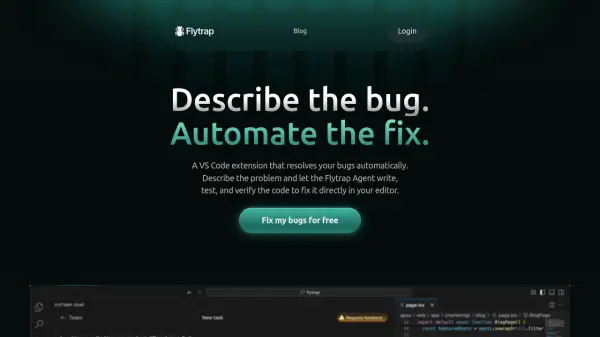
Flytrap is a VS Code extension designed to automatically fix bugs in your code. It utilizes an AI agent that responds to natural-language descriptions of bugs. The agent has access to the project's filesystem and shell, and it operates on a mirrored version of the repository to ensure uninterrupted workflow.
Flytrap runs and tests the code to verify the fix. Once a solution is found and verified, it is presented to the user for review and approval before merging into the project. This process ensures that developers maintain full control over code changes.
Features
- End-to-End Task Completion: Flytrap handles the entire bug-fixing process, from understanding the problem description to implementing and verifying the solution.
- AI-Powered Automation: Flytrap utilizes an AI agent with access to the project's filesystem and shell, allowing it to effectively resolve bugs.
- Verification and Approval: Flytrap verifies fixes by running and testing the code, and the user reviews and approves the solution before implementation.
Use Cases
- Automating bug fixes in software development projects.
- Reducing development time by automating the debugging process.
- Improving code quality through automated testing and verification of fixes.
FAQs
-
Can I use Flytrap for free?
Yes, Flytrap offers a free plan with 5 free daily tasks.