What is Unfold AI?
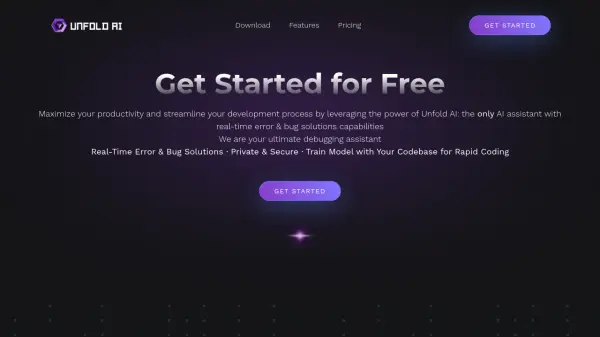
Unfold AI is designed to maximize developer productivity and streamline the development process. It offers real-time error and bug solutions, functioning directly within the Visual Studio Code IDE.
Supporting over 20 programming languages, the tool boasts a 99% success rate in delivering accurate coding solutions. Features such as automatic error detection and code generation enhance coding efficiency and accuracy.
Features
- Real-Time Error Solutions: Instantly identifies coding errors as they occur and provides immediate solutions.
- Multi-Language Support: Works with over 20 different programming languages.
- High Accuracy: Delivers coding solutions with a 99% success rate.
- Automatic Error Detection: Monitors the terminal to detect errors and offer automated solutions.
- Code Generation: Quickly turns ideas into executable code.
- Natural Language to Code: Converts spoken or written words into code.
- Code-Specific Trained AI: Analyzes and understands specific codebases for customized assistance.
Use Cases
- Debugging code during development
- Generating code snippets from natural language descriptions
- Fixing runtime errors in various programming languages
- Completing incomplete code blocks
- Training an AI model on a specific codebase for tailored assistance
FAQs
-
What Does the Pro Version Offer Over the Free and Credit Pack Versions?
The Pro Version offers premium features including a code-specific AI, unlimited use, no OpenAI registration requirement, advanced QA capabilities, and customized themes. -
How Does the Credit Pack Work, and What Does It Include?
The Credit Pack is a pay-as-you-go model, providing a substantial number of tokens for occasional use without the advanced features of the Pro Version. -
Can I Use the Free Version With My Own API, and What Are Its Limitations?
Yes, the Free Version allows using your own API key, suitable for those with an OpenAI registration, but it lacks the advanced features of the Pro Version. -
What is Unfold Error Solution?
Trigger an error in your terminal and click the 'Unfold Error Solution' button. The extension processes the error with the AI model and presents a solution. -
How Automatic Detection of errors works?
The feature functions as a terminal monitor, capable of detecting errors and offering automated solutions.