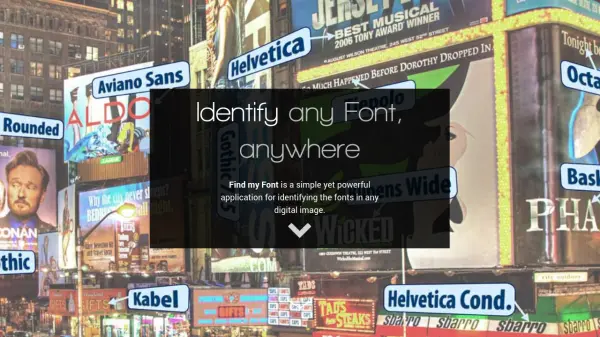
What is Find my Font?
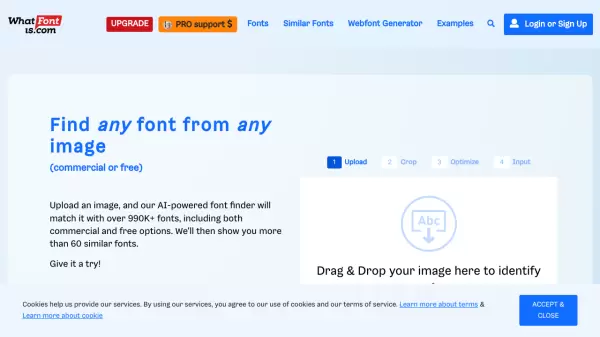
Find my Font is a software application developed to assist users in identifying fonts present in any digital image. Operating directly on a user's device (PC or mobile), it eliminates the often time-consuming process of manually searching for a matching font. The application analyzes the input image and, within seconds, presents a list of fonts that closely resemble or exactly match the text in the image. It searches an extensive online font database, which includes both commercial and free options, as well as fonts stored locally on a user's computer (PC editions only), regardless of whether they are installed.
This tool is designed for efficiency, featuring optimized font matching functionality for rapid results. Beyond exact matches, Find my Font also identifies fonts that are visually similar, offering alternatives or potentially free substitutes for a desired typeface. It is available in different editions to suit various user needs, including free versions for mobile and trial periods for the PC application, alongside a professional edition with expanded capabilities.
Features
- Online Font Database Search: Accesses a large database of commercial and free fonts online.
- Local Font Search (PC): Searches all fonts stored on the user's computer, installed or not.
- Fast Matching: Optimized algorithms deliver font identification results within seconds.
- Similar Font Identification: Provides a list of fonts that look similar to the one in the image, offering alternatives.
- Cross-Platform Availability: Offers editions for Windows, Mac OS X, iOS, and Android.
Use Cases
- Identifying fonts used in logos or branding materials.
- Finding the name of a font seen in an image or photograph.
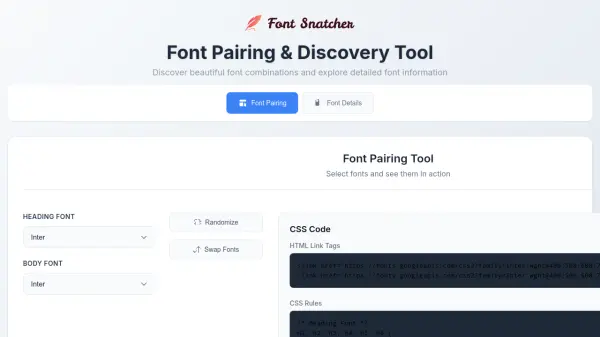
- Discovering similar-looking fonts for design projects.
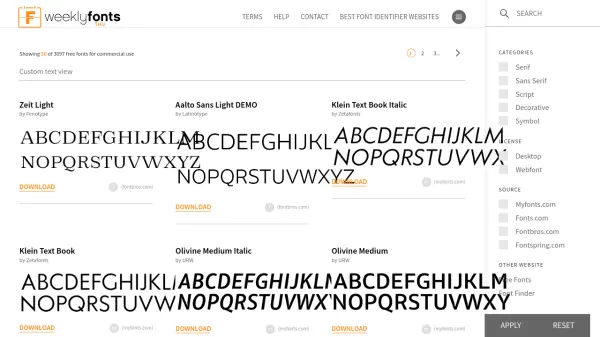
- Locating free alternatives to commercial fonts.
- Matching fonts for website redesigns or updates.
- Assisting graphic designers in font selection.
- Helping sign makers replicate existing typography.