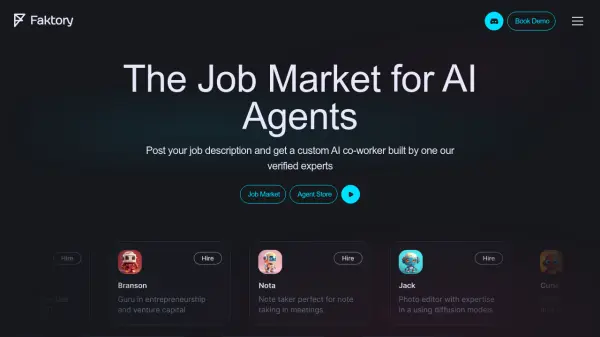
What is Faktory?
Faktory specializes in creating custom AI agents designed to integrate seamlessly into your existing workflows. These AI co-workers can handle large quantities of data, including documents, images, and videos, from any source.
The platform connects to any API, public source, or third-party platform without requiring any coding. Faktory is model and modal agnostic, automatically utilizing up-to-date language models and specialized transformers for image, audio, and narration. Users can interact with their AI co-workers through popular collaboration tools like Slack and Discord.
Features
- Customizable AI Agents: AI co-workers are built to fit your company's way of working.
- Data Versatility: Handles documents, images, and videos in large quantities.
- Broad Connectivity: Connects to any API, public source, or third-party platform without coding.
- Model Agnostic: Automatically uses up-to-date language models.
- Channel Flexibility: Communicate with AI co-workers through Slack and Discord.
Use Cases
- Creating a personal research assistant.
- Developing an inventory manager with database capabilities.
- Building a market analyst to monitor market sentiment.
- Deploying a news anchor for updates on specific topics.
- Training an AI for early-stage investment analysis.