What is Facetopia?
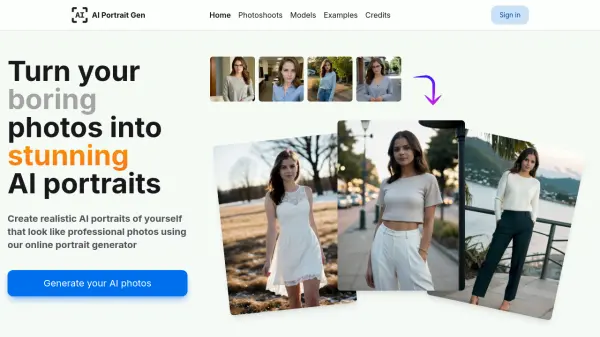
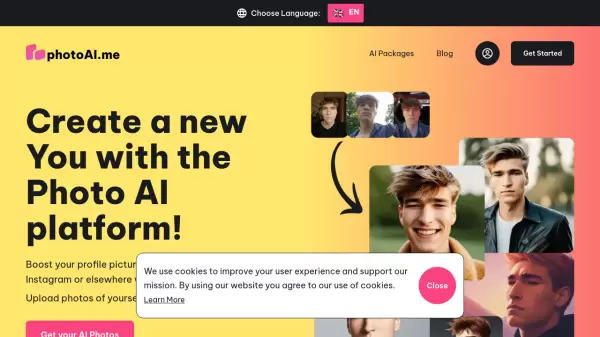
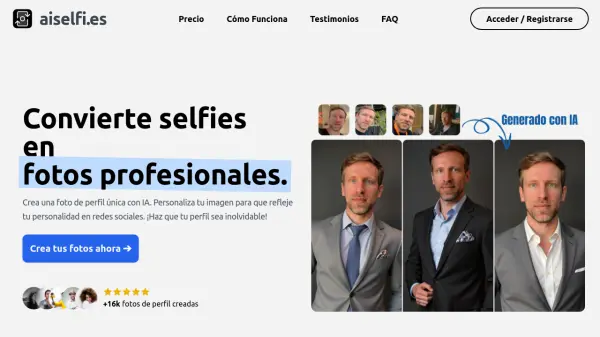
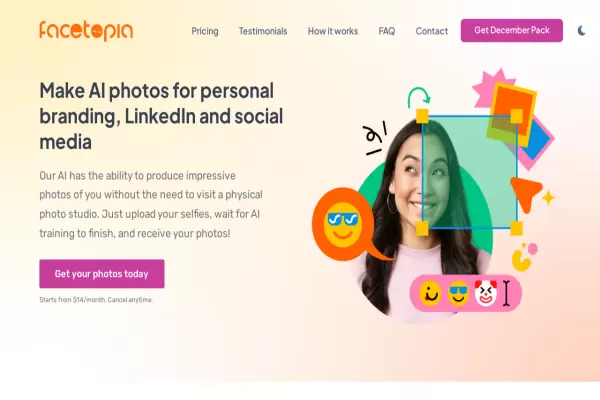
Facetopia revolutionizes personal branding by offering an AI-powered tool that generates high-quality photos from uploaded selfies. Users can showcase impressive images suitable for LinkedIn and various social media platforms. The process involves uploading selfies, allowing the AI to train and generate photos, which users can receive daily via email or access through the Facetopia web and app. With a range of exclusive packs, such as the Boring LinkedIn Pack and Xmas Pack, Facetopia ensures diverse and stylish options for every user. The platform guarantees data security and ownership, providing a reliable and creative solution for profile picture enhancement.
Features
- Selfie Upload: Users upload 10-15 selfies to start the process.
- AI Training: The AI trains on uploaded photos within 10 minutes.
- Photo Generation: The AI generates and delivers photos daily.
- Exclusive Packs: Variety of themed and style packs are available.
- Data Security: Ensures original and generated photos are secure.
Use Cases
- Enhancing personal branding for LinkedIn
- Creating unique social media profile pictures
FAQs
-
How many selfies do users need to upload to start the process?
Users need to upload 10-15 selfies to initiate the AI-generated photo creation process. -
How often are photos generated and delivered by the AI?
The AI generates and delivers photos daily to users. -
What themed packs are available on Facetopia?
Facetopia offers a variety of themed packs such as the Boring LinkedIn Pack and Xmas Pack for users to choose from.