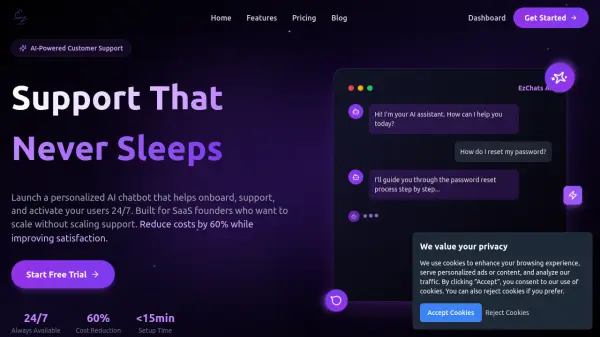
What is EzChats?
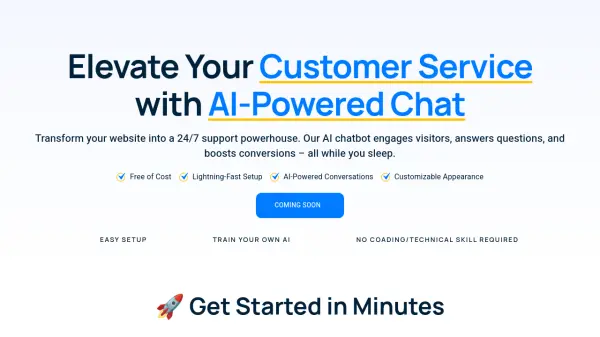
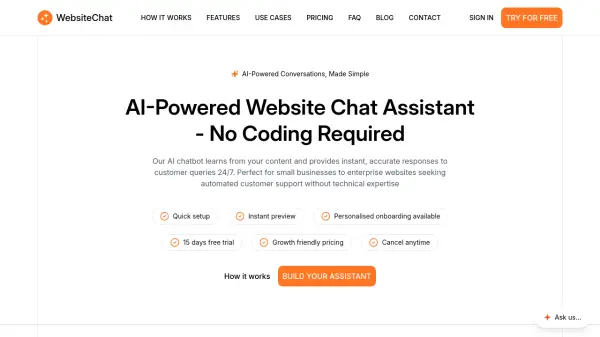
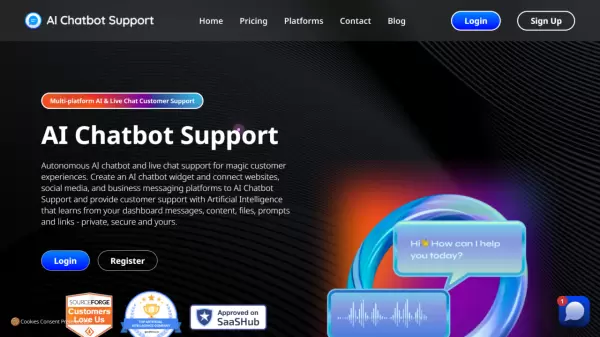
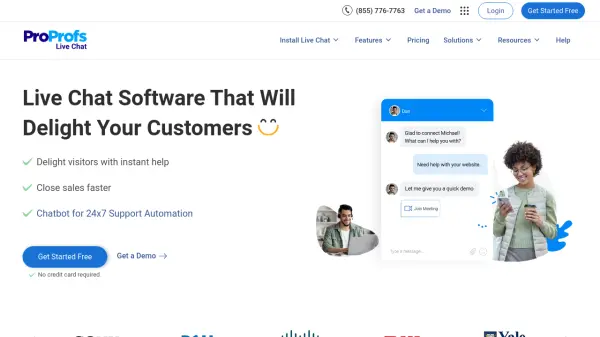
EzChats is an AI-driven platform designed for SaaS founders to automate customer support and optimize user onboarding. By deploying intelligent chatbots capable of understanding and responding to complex queries, businesses can deliver seamless, always-available support and onboarding experiences without expanding their customer service teams.
The platform offers simple chatbot customization, robust training via documents, web content, and videos, and real-time learning from interactions. With a fast setup process and deep integration capabilities, EzChats empowers SaaS companies to cut support costs, enhance user satisfaction, and accelerate user activation while focusing on growth.
Features
- Conversational AI: Delivers smart, context-aware responses for customer support and onboarding.
- Multi-Source Training: Trains chatbots with documents, website data, and video content.
- Real-Time Learning: Allows users to interact with and correct chatbot knowledge instantly.
- Customizable Design: Personalizes chatbot avatar, colors, and fonts to align with brand identity.
- Fast Setup: Get chatbots live on your website in less than 15 minutes.
- Multiple Chatbots: Supports multiple chatbot deployments based on chosen pricing plan.
- Analytics: Offers basic or advanced analytics to track interactions and topics.
- Custom Prompting: Tailors chatbot responses to maintain brand tone (Premium plan).
Use Cases
- Automating SaaS customer support to handle FAQs and repetitive queries.
- Onboarding new users into SaaS products to improve activation and retention.
- Enabling 24/7 customer assistance to minimize support wait times.
- Providing instant answers to technical or account-related questions.
- Reducing support costs without hiring additional staff.
- Collecting insights on common issues and customer interactions.
FAQs
-
What is EzChats and how does it work?
EzChats is an AI-powered platform that allows SaaS businesses to create, train, and deploy customizable chatbots for automated customer support and onboarding. The chatbot can be trained using documents, web content, and videos, and quickly integrated into a website. -
How long does it take to set up a chatbot with EzChats?
Setting up a chatbot with EzChats can be completed in under 15 minutes with no technical expertise required. -
Do I need technical knowledge to use EzChats?
No, EzChats is designed with an intuitive dashboard that allows users with no technical experience to create, train, and deploy chatbots easily. -
How can I train my chatbot to handle specific questions about my SaaS?
You can train your chatbot by uploading business-specific documents, adding relevant web content, integrating videos, and interacting with the chatbot in real time to improve its responses. -
Can I customize my chatbot’s appearance and behavior?
Yes, EzChats allows you to fully customize your chatbot's avatar, colors, fonts, and behavior to match your brand's identity and tone.