What is ExplainThis.ai?
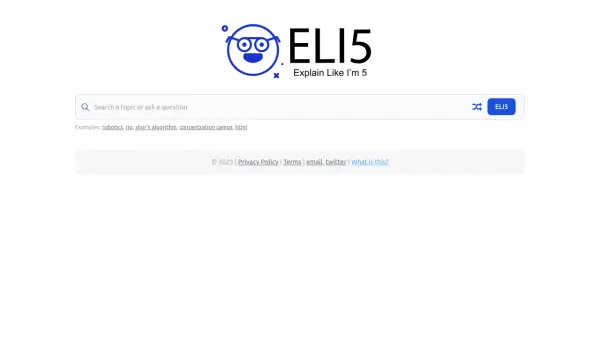
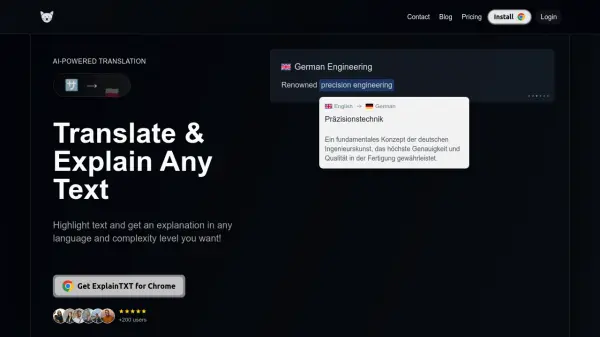
ExplainThis.ai is an AI-driven tool designed to simplify complex information. Users can paste any text into the platform and receive clear, concise explanations and summaries generated by artificial intelligence. The tool caters to various comprehension needs by allowing users to select their desired understanding level, ranging from very simple terms ("Explain Like I'm 5") to more expert language.
This platform aims to make challenging content accessible to a wider audience, including students tackling difficult subjects, researchers deciphering dense papers, or professionals navigating industry jargon. By leveraging advanced AI models, ExplainThis.ai breaks down intricate concepts into easily digestible explanations, facilitating better understanding and learning without requiring users to wade through overly technical language.
Features
- AI-Powered Explanations: Generates clear explanations for complex text using AI.
- Text Summarization: Creates concise summaries of pasted content.
- Adjustable Complexity Levels: Allows users to choose the desired level of explanation simplicity (e.g., ELI5, High School, Expert).
- Simple Interface: Easy-to-use text input and explanation output.
Use Cases
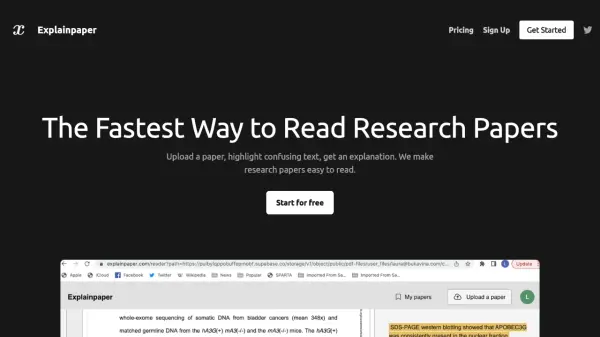
- Understanding difficult academic papers or research articles.
- Simplifying technical jargon or complex instructions.
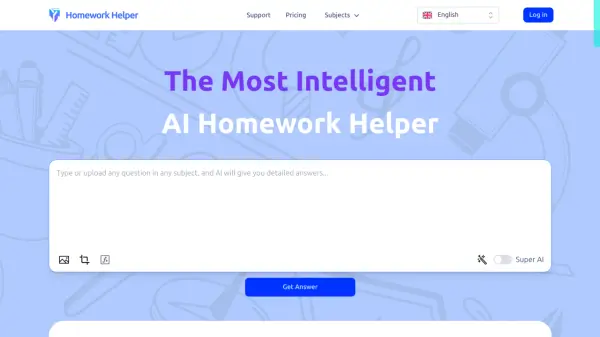
- Helping students grasp challenging concepts.
- Quickly summarizing long texts for faster comprehension.
- Making complex information accessible to a broader audience.