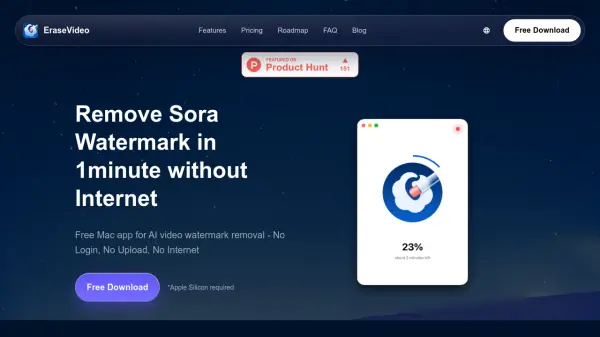

What is EraseVideo?
EraseVideo is a specialized Mac application designed for AI video creators who need to remove watermarks from their content. The tool utilizes advanced artificial intelligence to automatically detect video platforms and intelligently remove watermarks from seven major AI video platforms including Sora, Veo, Runway, Pika, KlingAI, TikTok, and Wan. Unlike browser-based solutions, EraseVideo operates entirely offline on your Mac device, ensuring complete privacy as no video content is uploaded to external servers.
The application delivers professional-quality results by rebuilding pixels behind watermarks based on surrounding footage, maintaining the original video quality while removing unwanted elements. With processing times as fast as one minute for a 15-second video on M1 chips, EraseVideo offers significantly faster performance than online alternatives while providing smart automatic detection that eliminates the need for manual platform selection.
Features
- AI-Powered Smart Removal: Advanced AI automatically detects video platform and removes watermarks from 7 major AI video platforms without manual selection
- 100% Local Processing: Mac native app runs entirely offline with no uploads, cloud servers, or internet required for complete privacy
- Lightning Fast Performance: Removes watermarks in 1 minute for a 15-second video on M1 chips, faster than browser-based tools
- Free Basic Access: Offers 2 free videos per day with no login, account creation, or credit card required
- Quality Preservation: AI rebuilds pixels behind watermarks based on surrounding footage while keeping the rest of the video identical to original
Use Cases
- Removing watermarks from AI-generated videos for professional presentations
- Cleaning up content from TikTok and other social media platforms for repurposing
- Preparing AI video content from platforms like Sora and Runway for commercial projects
- Creating watermark-free videos from multiple AI platforms for educational content
- Processing private video content without uploading to external servers for security
FAQs
-
How does the AI technology detect different video platforms?
The AI automatically recognizes watermarks and platform signatures from supported AI video platforms without requiring manual selection. -
What happens if I need to process more than 2 videos per day?
You can upgrade to the Annual Subscription or Lifetime plan for unlimited video processing. -
Does the app work with all video formats?
The app supports common video formats used by the 7 major AI platforms it detects, with continuous improvements through updates. -
How does the local processing benefit users compared to cloud solutions?
Local processing ensures no video content leaves your device, providing complete privacy and faster speeds without internet dependency. -
What happens when new AI video platforms emerge?
All future platform updates are included with your purchase, and the development team actively adds support for emerging platforms.