What is Enact?
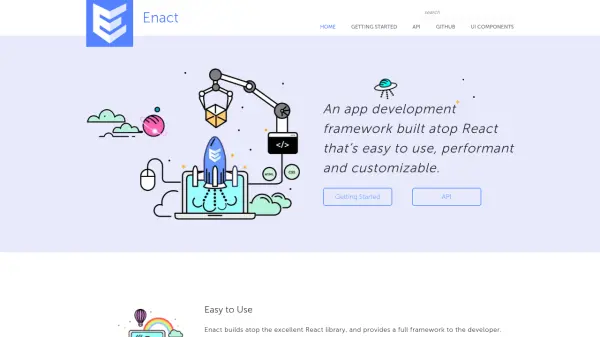
Enact provides a comprehensive app development framework built on top of React, offering developers a full suite of tools and components for building modern web applications. The framework simplifies initial setup and continues to deliver benefits through performance-conscious design decisions that ensure applications remain efficient as they grow in size and complexity.
With a full set of customizable widgets and behaviors, Enact enables developers to create complex views and applications tailored to specific project styles. The framework is designed to produce native-quality applications for various embedded web platforms, including automotive, robotics, and TV environments, while integrating best practices for internationalization, accessibility, focus management, linting, testing, and building.
Features
- Easy to Use: Built atop React with a full framework to simplify modern web application development
- Performant: Designed with performance in mind to ensure applications remain efficient as they grow
- Customizable: Offers a full set of widgets that can be tuned and tweaked for specific project styles
- Adaptable: Produces native-quality applications for embedded web platforms like automotive, robotics, and TV
- Comprehensive Tooling: Integrates solutions for internationalization, accessibility, focus management, linting, testing, and building
Use Cases
- Developing web applications for automotive interfaces
- Creating applications for robotics platforms
- Building TV applications with large-screen interfaces
- Developing embedded web applications for various devices
- Creating maintainable and robust applications with React
FAQs
-
What is the primary technology Enact is built upon?
Enact is built atop the React library, providing a full framework for app development. -
What types of platforms is Enact designed for?
Enact is designed for embedded web platforms, including automotive, robotics, and TV applications. -
Does Enact include a UI library for TV applications?
Yes, Enact includes Sandstone, a TV-centric UI library with over 50 components for large-screen applications. -
How can developers install and start using Enact?
Developers can install Enact using the command 'npm install -g @enact/cli' to access the command-line tool for project initialization. -
What development aspects does Enact integrate solutions for?
Enact integrates solutions for internationalization, accessibility, focus management, linting, testing, and building to support robust application development.