What is edCode?
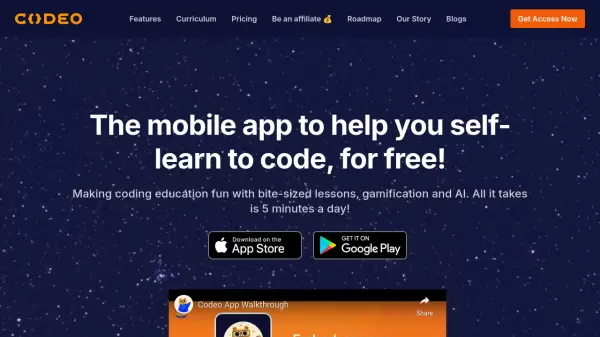
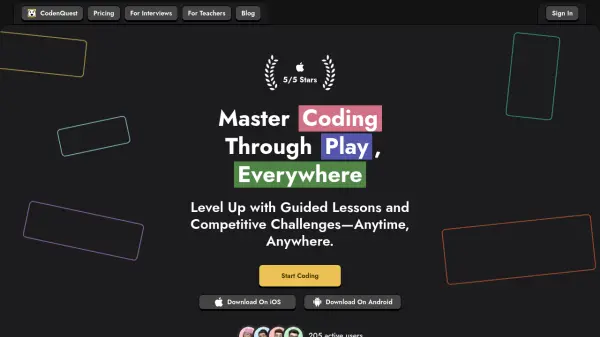
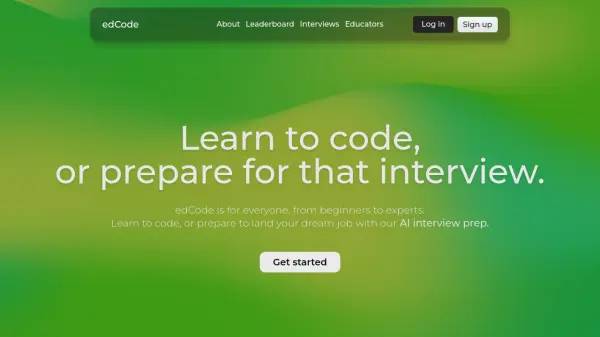
edCode is a platform designed for everyone, from beginners to experienced programmers, to learn to code and prepare for technical interviews. It offers self-paced, handcrafted programming lessons that guide users from basic concepts to advanced skills. The platform aims to make learning engaging and accessible on any device, anytime, anywhere.
Beyond coding education, edCode provides AI-powered interview preparation. Users can chat with the AI, Codey, to practice for interviews and receive feedback on their code. edCode also plans to offer a feature for educators, allowing them to create custom, interactive courses for students. The platform is free, fun, and easy to use.
Features
- Self-paced courses: Learn at your own pace with courses designed for natural progression.
- AI Interview Prep: Practice interviews and get feedback on your code with the AI chatbot, Codey.
- Dynamic Leaderboard: Stay motivated and compete with friends on the leaderboard.
- Course Creator (Coming Soon): Educators can create custom, interactive courses.
Use Cases
- Learning to code from scratch.
- Improving existing programming skills.
- Preparing for technical job interviews.
- Creating custom coding courses for students (for educators).