What is EaseText?
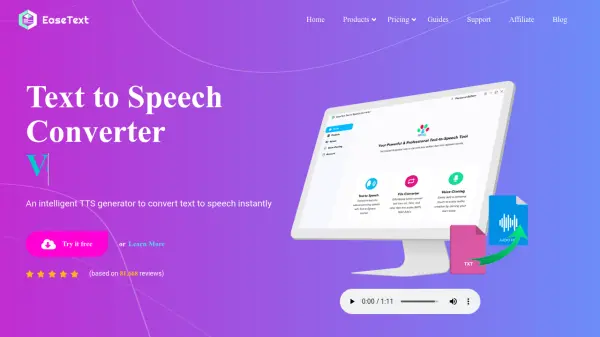
EaseText provides a suite of software tools designed for efficient content conversion. Its main offerings include a Text to Speech Converter, an Audio to Text Converter, and an Image to Text Converter. These tools leverage intelligent algorithms and AI to deliver high-quality results, focusing on user convenience and data security through offline operation.
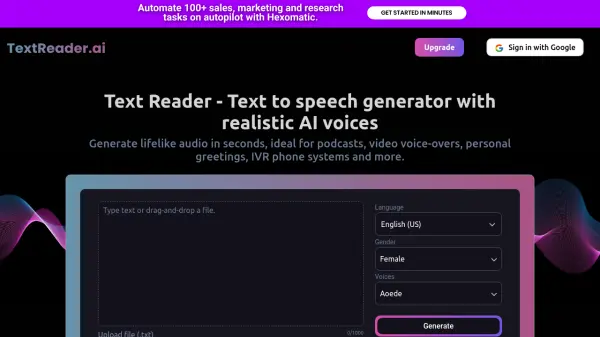
The Text to Speech Converter features natural-sounding voices, supporting over 30 languages and offering functionalities like voice cloning and batch conversion. The Audio to Text Converter aims to provide professional-grade transcription with high accuracy. Similarly, the Image to Text Converter uses AI-based optical character recognition (OCR) to accurately scan and extract text from various image formats directly on the user's computer, ensuring data privacy.
Features
- Text to Speech Conversion: Generates natural-sounding speech from text.
- 1,000+ Voices: Offers a diverse library of voices for text-to-speech.
- Voice Cloning: Allows replication of specific voices (TTS feature).
- Batch Conversion (TTS): Converts multiple text files to speech simultaneously.
- Offline Operation: All converters function without an internet connection.
- Multi-Language Support: Text-to-Speech supports over 30 languages.
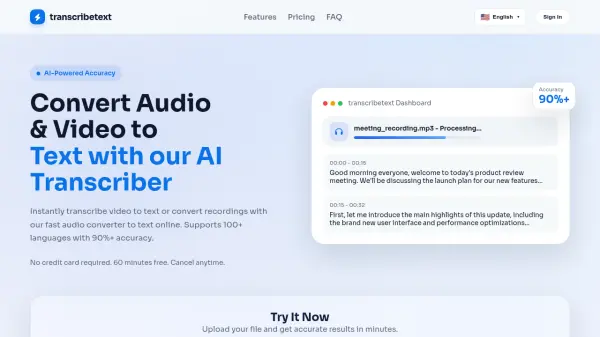
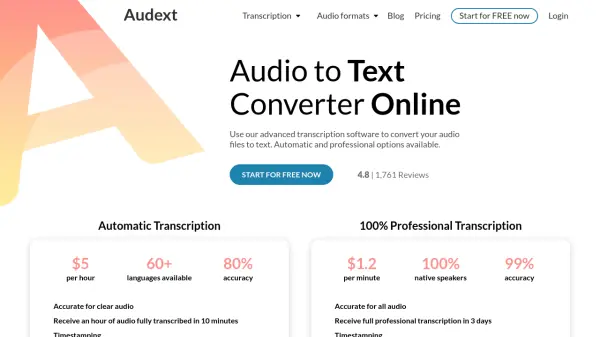
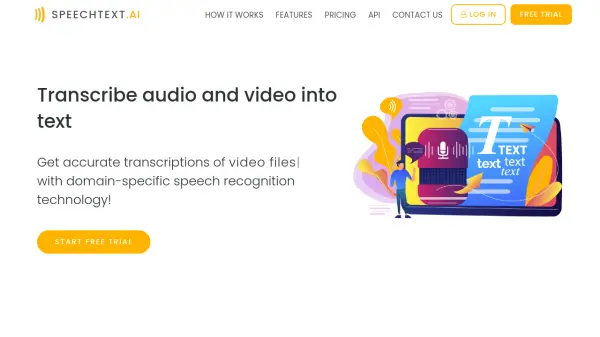
- Audio to Text Transcription: Converts audio files into text accurately.
- Image to Text Extraction (OCR): Scans and extracts text from images using AI.
- High Accuracy Conversion: Employs AI for precise results in transcription and OCR.
Use Cases
- Generating voiceovers for videos or presentations.
- Transcribing interviews, meetings, or lectures.
- Converting scanned documents or images into editable text.
- Assisting individuals with reading difficulties through text-to-speech.
- Creating audio versions of articles or digital books.
- Digitizing handwritten notes or printed materials from images.
FAQs
-
Can I convert text to speech offline with realistic AI voices?
Yes, EaseText Text to Speech Converter allows you to read text out loud offline using realistic AI voices, ensuring data privacy. -
How can I extract text from an image on my computer?
EaseText Image to Text Converter enables you to scan and extract text from various images directly on your computer using AI-based conversion for high accuracy. -
Does EaseText support multiple languages?
Yes, the Text to Speech Converter supports over 30 languages. -
Is my data secure when using EaseText?
EaseText tools are designed to work offline on your computer, helping to keep your data safe and secure.