What is Duo.Computer?
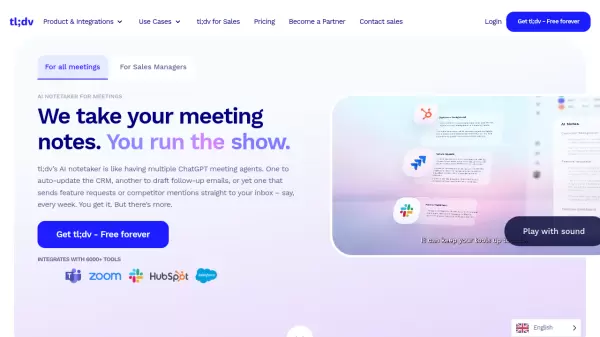
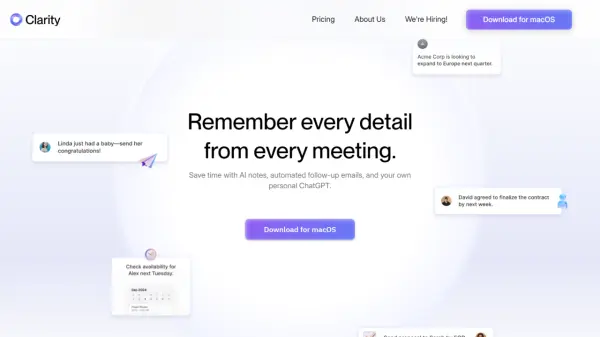
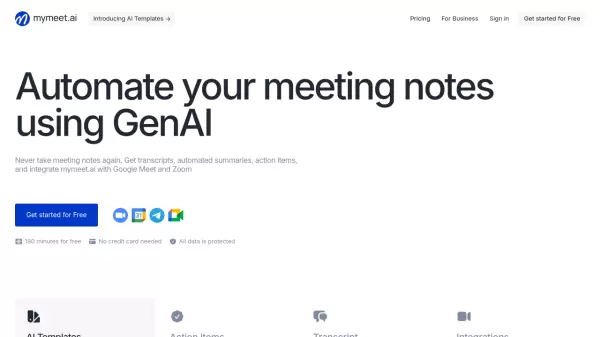
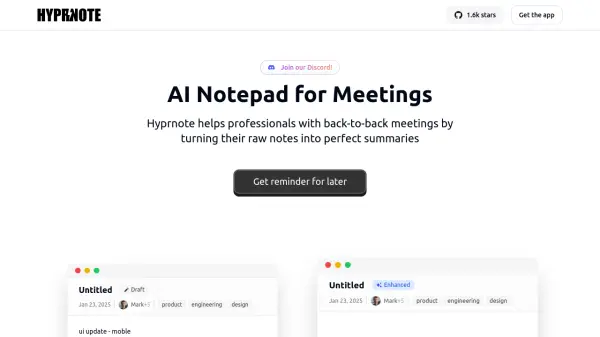
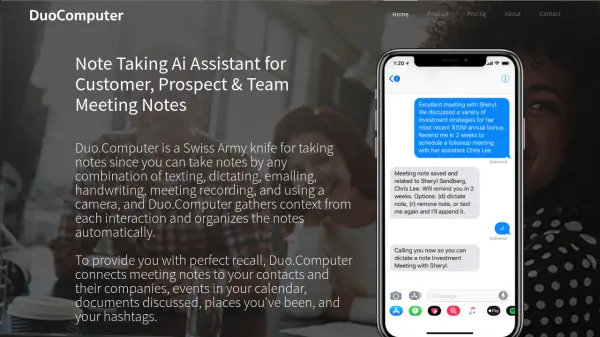
Enhance professional productivity with an intelligent note-taking system designed for meetings and client interactions. This platform centralizes notes captured through diverse methods including text messages, email forwarding, voice dictation, call recordings, handwritten inputs via stylus, and photo uploads of whiteboards or paper documents. It intelligently gathers context from each interaction, automatically organizing notes by associated contacts, companies, calendar events, discussed documents, locations, and user-defined hashtags, aiming to provide users with perfect recall of past interactions.
Integration capabilities extend to popular CRM systems like Salesforce.com and HubSpot. The tool automatically connects notes to relevant Leads, Accounts, Contacts, and Opportunities within the CRM, syncing the information and eliminating manual data entry for meeting activities. It further supports users with features like daily briefings summarizing agendas and previous activities, meeting wrap-up prompts via call or text, and transcription services for recorded calls or dictated notes. Dedicated applications are available across multiple platforms including iOS, Android, Windows, and macOS.
Features
- Multi-Input Note Taking: Capture notes via text, email, dictation, call recording, handwriting, and photos.
- Automatic Contextual Organization: Sorts notes by contacts, companies, calendar events, documents, locations, and hashtags.
- CRM Integration: Connects and syncs notes automatically with Salesforce and HubSpot (Leads, Accounts, Contacts, Opportunities).
- Call Recording & Transcription: Records calls when conferenced in and transcribes audio.
- Handwriting Recognition (OCR): Converts handwritten notes (via stylus) into searchable text.
- Daily Briefing Email: Provides a daily agenda and recap of previous activities.
- Meeting Wrap-up Prompts: Initiates calls or texts post-meeting for note dictation.
- Cross-Platform Apps: Available on iOS, Android, Windows, and macOS.
Use Cases
- Capturing detailed meeting minutes automatically.
- Organizing client interaction notes for easy recall.
- Streamlining CRM activity logging for sales teams.
- Centralizing notes from various sources (calls, emails, handwritten).
- Preparing for meetings with contextually relevant past notes.
- Digitizing and searching handwritten notes or whiteboard photos.