What is DocPower AI?
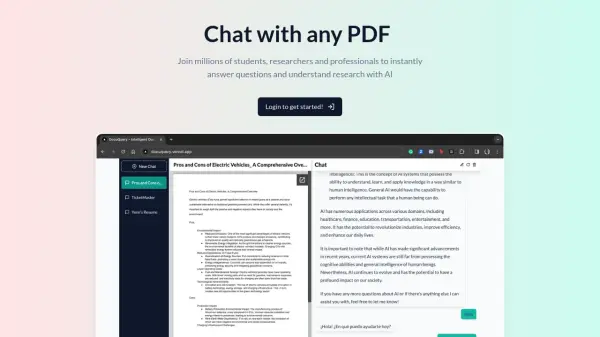
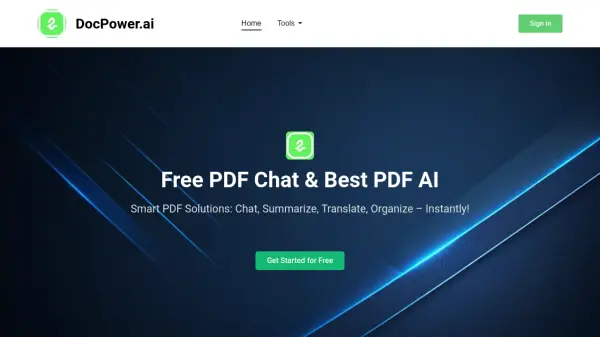
DocPower AI is an advanced tool designed for efficient interaction with various document formats, including PDF, PPT, Excel, and Word files. It leverages a powerful Large Language Model (LLM) to provide smarter responses and maintains a longer memory for improved context understanding during interactions.
The platform offers a range of functionalities such as chatting with files to extract information, summarizing content for quick comprehension, and one-click translation into multiple languages. DocPower AI helps you manage documents in organized manner. A free trial is available, allowing users to experience the tool's capabilities without pre-payment.
Features
- Chat with File: Ask questions and get answers directly from your PDFs.
- Summarize: Quickly summarize your files for easy understanding.
- Translate: Translate documents to all voices with one click.
- Document Management: Keep your documents organized like a library
- Advanced LLM: The most advanced LLM for smarter responses.
- Longer Memory: Longer memory for better context understanding.
- Multiple File Formats: Supports all file formats for your convenience.
Use Cases
- Summarize work reports quickly
FAQs
-
What types of files does DocPower AI support?
DocPower AI supports a variety of formats, including PDF, PowerPoint (PPT), excel and Word documents (Doc). -
How does DocPower AI ensure the safety of my documents?
Your privacy and security are our top priorities. DocPower AI uses advanced encryption to protect your files and data. -
Can DocPower AI help with summarizing long documents?
Yes, our AI can quickly summarize long documents, making it easier for you to understand the key points. -
Can DocPower AI help generate content for my projects?
Yes, DocPower AI can assist you in generating content for various projects by providing summaries, translations, and answering detailed questions based on your input documents.