What is DNS Check?
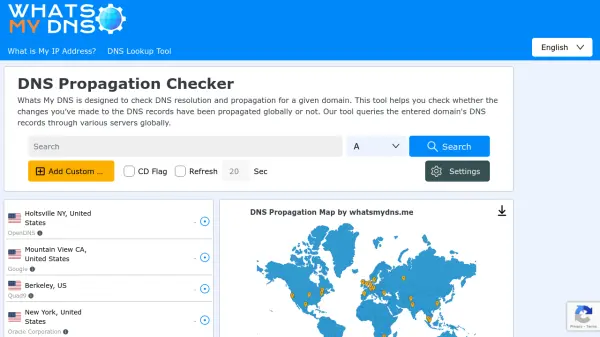
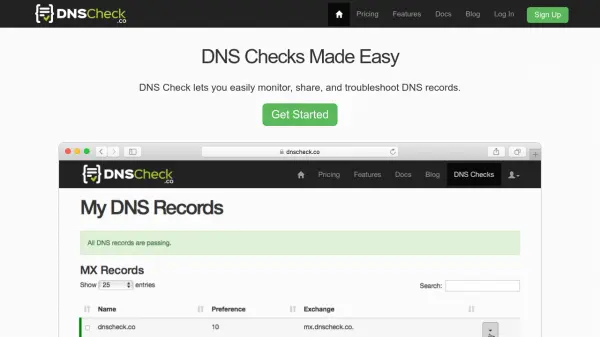
DNS Check is a specialized tool designed to simplify DNS infrastructure management through automated monitoring and troubleshooting capabilities. It enables users to monitor DNS records and name servers for changes and lookup failures, with immediate notifications when issues are detected. Users can import entire zone files or select specific records for monitoring, ensuring comprehensive coverage of their DNS infrastructure.
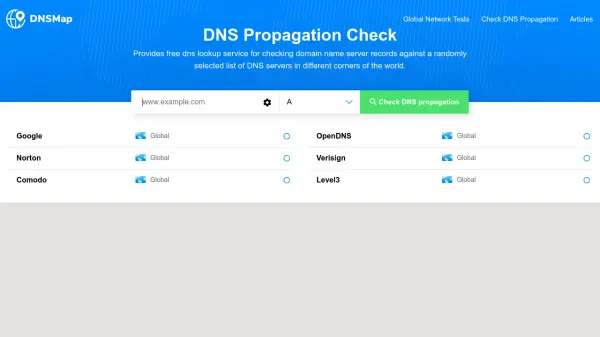
The tool includes a DNS record checking feature that compares entered DNS records with those returned by DNS servers, quickly identifying issues such as unresponsive name servers, wrong IP addresses, missing or duplicated records, and out-of-sync name servers. It supports various DNS record types including A, AAAA, CNAME, MX, NS, SPF, TXT, and others, providing detailed insights and shareable reports for efficient troubleshooting and collaboration.
Features
- DNS Monitoring: Monitor DNS records and name servers for changes and lookup failures with automated notifications
- DNS Record Checking: Compare entered DNS records with server responses to quickly identify issues
- Zone File Import: Import entire DNS zone files or select specific records for monitoring
- Shareable Reports: Share links to request DNS updates and track changes with user-friendly reports
- Troubleshooting Tools: Identify and resolve DNS issues such as unresponsive servers and record mismatches
Use Cases
- Monitoring DNS infrastructure for changes and failures
- Troubleshooting DNS issues like unresponsive name servers or incorrect records
- Sharing DNS record updates with team members or clients
- Importing and checking entire DNS zone files for accuracy
- Detecting unwanted DNS records and ensuring DNS security
FAQs
-
What DNS record types does DNS Check support?
DNS Check supports A, AAAA, ALIAS, CNAME, Load Balancer, MX, NS, Reverse DNS (PTR), SOA, SPF, SRV, and TXT records, with options to import zone files or enter individual records. -
How often does DNS Check perform automated checks?
DNS Check performs automated checks every 5 minutes to monitor DNS records and name servers for changes and failures. -
What notification options are available in DNS Check?
DNS Check offers multiple notification options including email, PagerDuty, and Slack to alert users of DNS changes or issues. -
Can I monitor more than 1,000 DNS records with DNS Check?
Yes, DNS Check offers plans for up to 3,000 DNS records on the checkout page, and users can contact for a quote to monitor more than 3,000 records. -
How do I cancel my DNS Check subscription?
You can cancel your DNS Check subscription at any time by going to your Profile page, and billing will stop automatically with a refund for the unused portion if applicable.