What is Directnic?
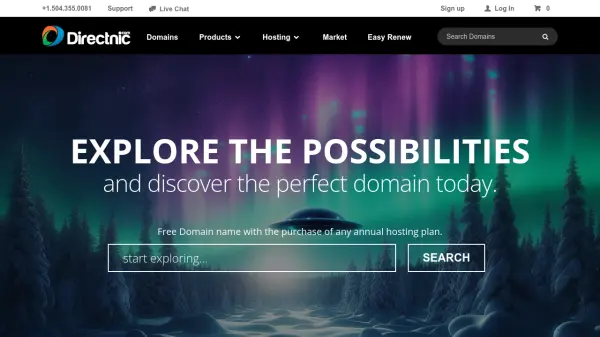
Directnic is a domain registrar and web hosting service that offers a wide range of solutions for establishing an online presence. The platform provides domain registration services with competitive pricing across numerous top-level domains (TLDs), including popular options like .com, .net, and .org, as well as specialty domains. Users can search, register, transfer, and manage domains with features like WHOIS look-up and bulk registration capabilities.
In addition to domain services, Directnic offers web hosting with cPanel-based management, email services with remote access, and a drag-and-drop website builder for creating custom sites. The platform emphasizes security with features such as free transfer lock, two-factor authentication powered by Google Authenticator and YubiKey, SSL certificates, and cWatch for cyber attack protection. Directnic also provides Direct Privacy for spam and identity theft protection, along with free DNS management tools.
Features
- Domain Registration: Wide range of TLDs with competitive pricing and bulk registration options
- Web Hosting: cPanel-based hosting with fast, reliable, and secure server infrastructure
- Website Builder: Drag-and-drop interface for creating custom websites without coding
- Security Features: Free transfer lock, two-factor authentication, SSL certificates, and cWatch protection
- Email Services: Feature-rich email access from anywhere with remote management capabilities
- Privacy Protection: Direct Privacy service to guard against spam, identity theft, and telemarketers
- DNS Management: Free control over domain DNS settings for advanced configuration
- Bulk Operations: Tools for bulk domain search, registration, and management
Use Cases
- Registering a new domain name for a business or personal website
- Transferring existing domains to a secure registrar with enhanced protection
- Building a website using drag-and-drop tools without technical expertise
- Setting up professional email accounts for business communications
- Securing websites with SSL certificates and cyber attack protection
- Managing multiple domains through bulk registration and DNS control
- Protecting personal information with privacy services to prevent spam and identity theft
- Hosting websites on reliable servers with cPanel access for easy management