What is Diffree?
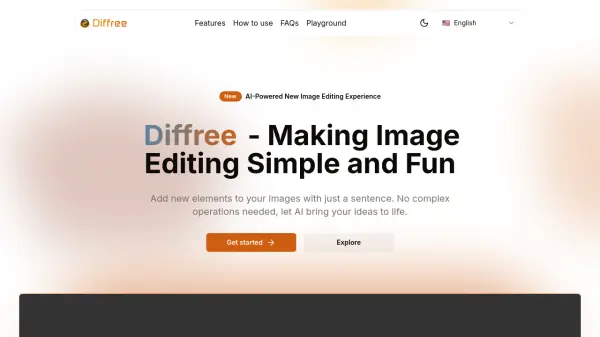
Diffree offers a user-friendly approach to image modification, enabling the addition of new elements simply through textual descriptions. This AI-powered platform eliminates the need for complex operations like drawing or masking. It intelligently analyzes the original image to find the most suitable location for the added objects.
The tool ensures that newly added elements blend seamlessly with the original image, matching lighting, tone, and color for a natural look. Diffree produces high-quality, detailed results, making advanced image editing accessible even without professional software experience. Users can progressively add multiple objects to enrich their images.
Features
- Text-Guided Addition: Add objects to images by describing them in text.
- Smart Positioning: AI automatically determines the optimal placement for new objects.
- Seamless Integration: Added objects match the original image's lighting, tone, and color.
- High-Quality Output: Generates detailed and superior quality images.
- User-Friendly: No professional skills or complex operations like masking required.
- Multi-Object Addition: Add multiple objects progressively to enhance images.
Use Cases
- Adding decorative elements to photos.
- Placing virtual items in room images.
- Enhancing product photos with contextual objects.
- Creating imaginative scenes by adding described objects.
- Modifying landscapes by adding elements like animals or structures.
- Simplifying image composition for non-designers.
FAQs
-
How does Diffree work?
Diffree uses AI to understand text descriptions of objects and intelligently adds them to your uploaded images, ensuring they blend seamlessly with the original scene. -
Do I need strong image editing skills?
No, Diffree is designed to be user-friendly and does not require professional image editing skills or experience with software like Photoshop. -
Will the added objects look fake?
Diffree aims for seamless integration by matching the new objects to the original image's lighting, tone, and color, resulting in a natural look. -
Can I add multiple objects at once?
Diffree supports adding multiple objects progressively to enrich the image content.