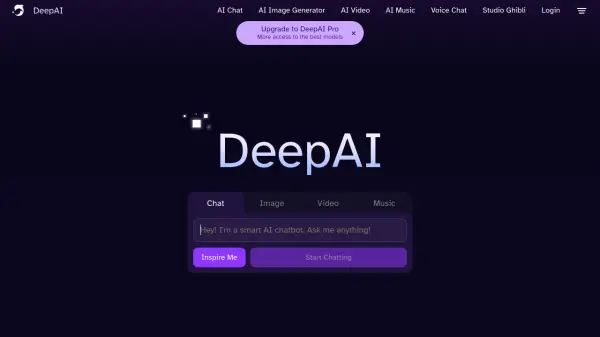
What is DeepAI?
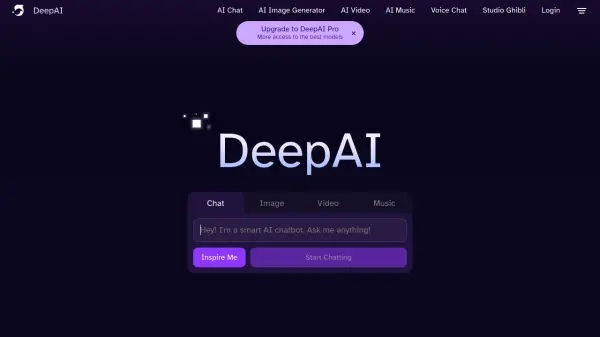
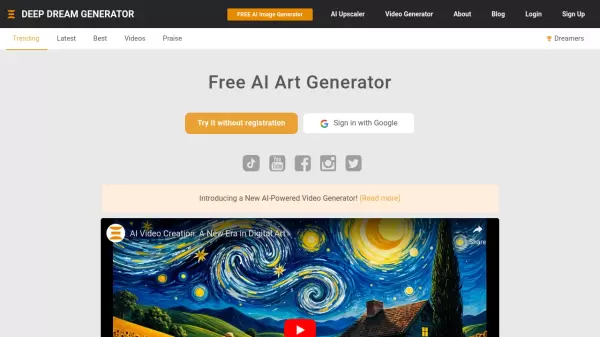
DeepAI provides a comprehensive platform for users to explore and leverage the capabilities of artificial intelligence. The service includes tools for generating a variety of content, including images, videos and music.
It also features an interactive AI chat, with different modes for diverse needs. DeepAI is designed to be accessible, with multiple plans tailored to suit different usage levels, offering a range of AI tools to create, edit, and explore innovative possibilities.
Features
- AI Image Generator: Create images using artificial intelligence.
- AI Video Generator: Generate videos using AI technology.
- AI Music Generator: Compose music with the help of AI.
- AI Chat: Interact with an AI chatbot for various conversational needs.
- Genius Mode: Access a more advanced AI model for chat and content generation.
- AI Image Editor: Tools to edit generated images.
- AI Headshot Generator: Create headshots.
- AI Selfie Generator: Create selfies.
Use Cases
- Creating unique visual content for marketing campaigns.
- Generating music for videos or presentations.
- Experimenting with AI-generated art.
- Prototyping visual concepts quickly.
- Enhancing images with AI-powered editing tools.
- Engaging in interactive conversations with an AI.
- Developing AI-generated video content.
FAQs
-
What happens if I exceed my monthly limits on DeepAI Pro?
If you exceed your monthly limits, you will be charged an extra $5 for each group of features you go over. For example, exceeding the image generation limit will result in a $5 charge for an additional 500 image generations. -
What is included in the DeepAI Pay As You Go plan?
The Pay As You Go plan includes 100 AI image generations and 300 AI chat messages. Exceeding these limits requires purchasing additional credits, starting from $5. -
How does the pricing for Genius Mode videos work?
Genius Mode videos cost $1 each, regardless of your plan. -
How can I manage or refill my DeepAI credits?
You can manage your plan and add credits by visiting the Pricing page and selecting the 'Add Credits' option. You can add credits in increments ranging from $5 to $1000.