
What is DBChat?
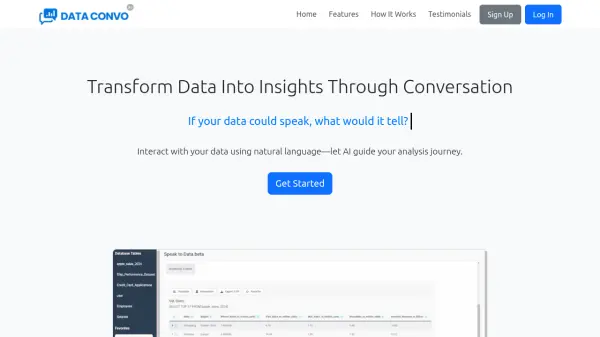
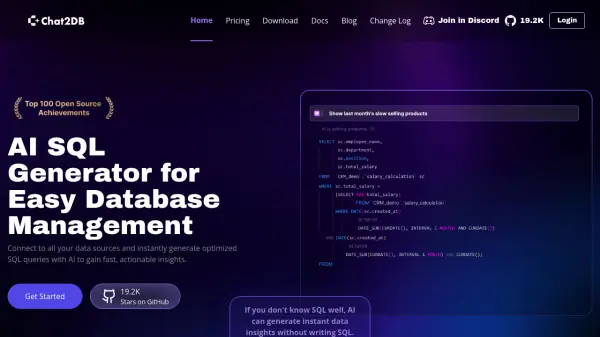
DBChat is an AI-powered data analytics platform designed to transform how organizations interact with their data. It allows users to ask questions about their data in plain English without writing complex SQL queries, making data analysis accessible to non-technical users. The platform automatically translates natural language questions into optimized SQL and provides real-time insights through charts, graphs, and dashboards.
The platform supports multiple database connections including PostgreSQL, BigQuery, Snowflake, Elasticsearch, and MySQL from a single interface. It offers cross-database analysis capabilities, allowing users to compare and analyze data across different sources with unified queries. DBChat includes enterprise-grade security features such as end-to-end encryption and role-based access controls to keep data secure while democratizing data access across organizations.
Features
- Natural Language Queries: Ask questions about data in plain English without writing SQL
- Multi-Database Support: Connect to PostgreSQL, BigQuery, Snowflake, Elasticsearch, and more
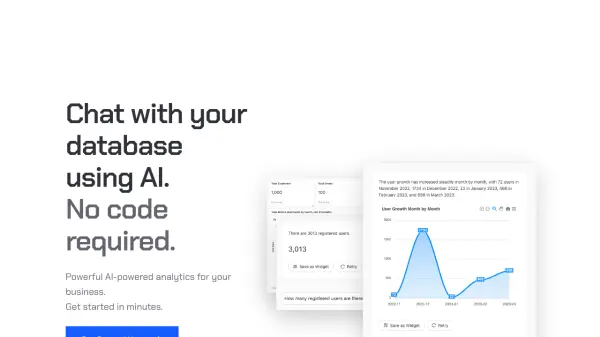
- Instant Visualizations: Automatically generate charts, graphs, and dashboards from query results
- Data Summarization: Get AI-powered summaries and insights from complex datasets
- Cross-Database Analysis: Compare and analyze data across different database sources
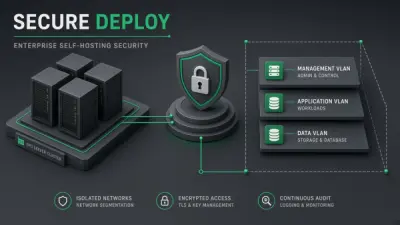
- Enterprise Security: End-to-end encryption and role-based access controls
Use Cases
- Business intelligence and data analysis for non-technical teams
- Real-time trend analysis and decision-making support
- Cross-database data comparison and unified reporting
- Automated dashboard creation from database queries
- Data democratization across organizations
FAQs
-
Which databases does DBChat support?
DBChat supports PostgreSQL, BigQuery, Snowflake, Elasticsearch, MySQL, and other database types across different plans. -
How does the natural language processing work?
DBChat translates natural language questions into optimized SQL queries automatically, allowing users to ask questions in plain English without technical skills. -
Is my data secure?
Yes, DBChat uses end-to-end encryption and role-based access controls to ensure enterprise-grade security for your data. -
Can I export the visualizations?
Yes, visualizations can be exported in various formats including PNG, PDF, and SVG, depending on your plan. -
Do I need to know SQL to use DBChat?
No, DBChat is designed for users without SQL knowledge, allowing them to query data using natural language.