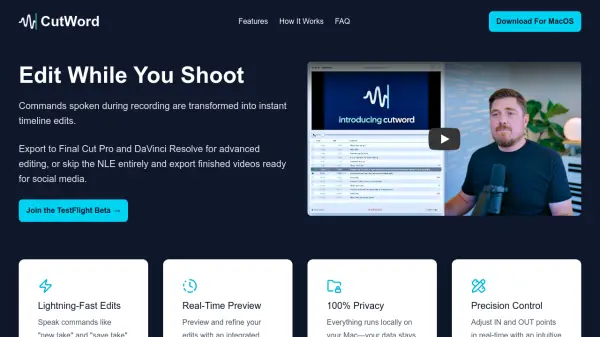
What is CutWord?
CutWord revolutionizes video editing by allowing users to speak simple commands like 'new take' or 'save take' while recording, which are automatically transformed into precise timeline edits. This AI-driven tool generates transcripts and identifies commands to create accurate IN/OUT markers, enabling seamless editing without manual cutting.
The software runs entirely locally on Mac devices, ensuring 100% privacy with no internet connectivity required after initial setup. Users can preview edits in real-time with an integrated video player, adjust IN/OUT points frame-by-frame, and export to Final Cut Pro, DaVinci Resolve, or as finished video files ready for social media.
Features
- Voice Command Editing: Speak commands like 'new take' or 'save take' during recording to mark edits instantly
- Real-Time Preview: Integrated video player shows exactly what the final cut will look like during editing
- Local Processing: Everything runs locally on Mac devices with no internet connectivity required
- Precision Control: Adjust IN and OUT points frame-by-frame with intuitive interface controls
- Flexible Export: Export to Final Cut Pro, DaVinci Resolve, or as finished video files for social media
Use Cases
- Creating quick social media videos with voice-controlled editing
- Streamlining video production workflows for content creators
- Editing interview footage with automated take selection
- Producing tutorial videos with hands-free editing commands
- Preparing video content for professional editing software
FAQs
-
What hardware requirements does CutWord have?
CutWord requires a Mac with an Apple M1 chip or newer. -
Can I customize the voice commands used for editing?
Yes, you can edit your IN/OUT phrases in the settings menu to customize command words.