What is Cutter?
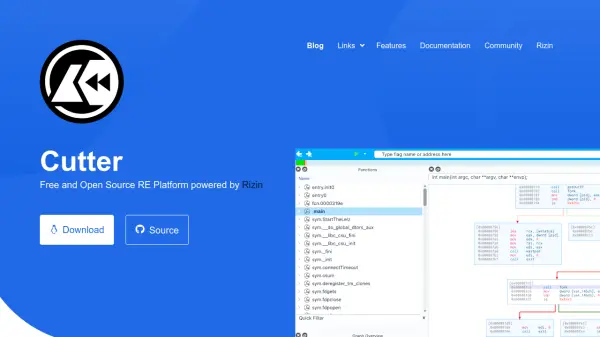
Cutter provides a powerful multi-platform reverse engineering tool designed with user experience in mind. Built by reverse engineers for reverse engineers, it leverages Rizin as its core engine to deliver thousands of features accessible through a graphical interface or integrated terminal. The platform includes interactive widgets, multiple themes, and native integration of Ghidra's decompiler without Java dependencies.
It supports dynamic analysis with a multiplatform debugger, binary patching, emulation for automation and malware analysis, and Python scripting for task automation. With a modern, customizable UI built on Qt C++ and extensive documentation, Cutter is licensed under GPLv3 and available for Linux, Windows, and macOS.
Features
- Decompiler: Native integration of Ghidra's decompiler in Cutter releases
- Graph View: Fully featured graph view as well as mini-graph for fast navigation
- Debugger (beta): Multiplatform native and remote debugger for dynamic analysis
- Disassembly: Linear disassembly view
- Hex Editor: View and modify any file with a rich and powerful Hex View
- Python Scripting Engine: Quickly write python scripts to automate tasks
- Plugins: Use Native or Python plugins to extend Cutter's core functionality
- Binary Patching: Add, remove and modify bytes and instructions
- Emulation: Great for automation, crypto algorithms and malware analysis
- Theme Editor: Fully featured theme editor for easy and user-friendly customization of Cutter
Use Cases
- Analyzing malware and security threats
- Reverse engineering software for vulnerability research
- Automating binary analysis tasks with Python scripts
- Debugging and dynamic analysis of executables
- Modifying binaries through patching and emulation