What is Coursee?
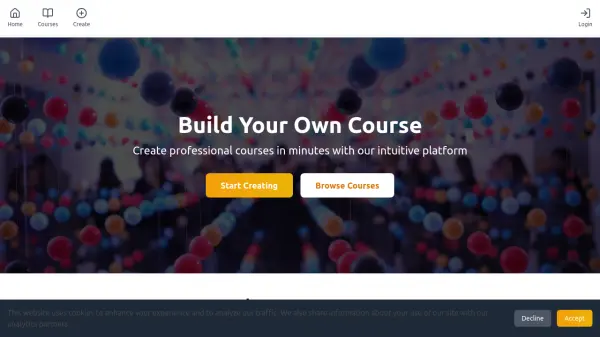
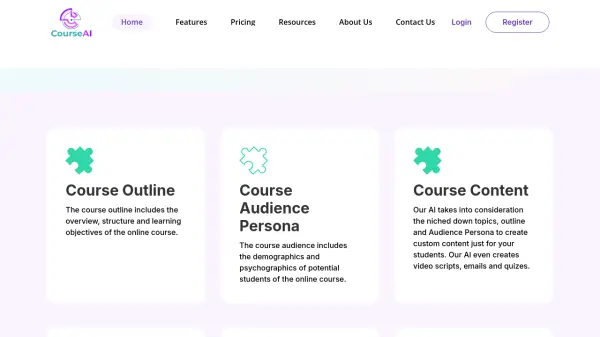
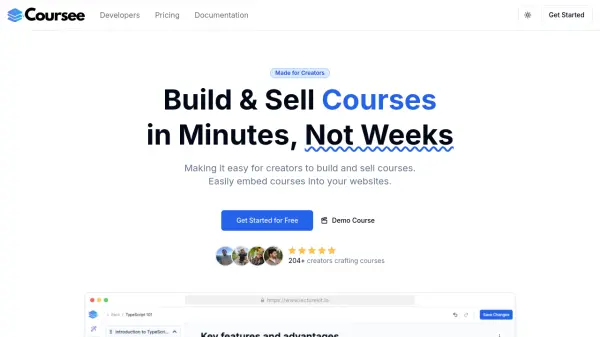
Coursee streamlines the end-to-end process of creating, managing, and selling online courses. Utilizing an advanced AI-powered course editor, it assists users in generating outlines, developing engaging content, and creating quizzes to deliver rich learning experiences. The platform further simplifies course management with a drag-and-drop builder and allows creators to embed courses directly into their own websites for effortless distribution.
In addition, Coursee offers robust project management for multiple courses, secure hosting, in-depth analytics, and monetization tools through integrated payment gateways. Features such as a centralized video library, interactive quizzes, mobile-friendly editing, and sign-up/pay-walls empower educators to maximize course engagement and revenue efficiently.
Features
- AI-Powered Course Creation: Generate course outlines, content, and quizzes automatically.
- Drag & Drop Course Builder: Customize courses with an intuitive drag-and-drop interface.
- Embed Courses on Websites: Seamlessly integrate courses into any website with embed codes.
- Project-Based Management: Organize multiple courses within projects for team collaboration.
- Hosted LMS: Securely host and deliver courses with reliable platform infrastructure.
- Analytics & Insights: Access detailed analytics on course engagement and performance.
- Payment Wall: Monetize courses by integrating Stripe or Lemon Squeezy for payments.
- Video Library: Manage and reuse all course videos centrally.
- Interactive Quizzes: Reinforce learning with easily integrated quizzes.
- Mobile-Friendly Editing: Create and update content from mobile devices.
Use Cases
- Building and monetizing online courses for educators and trainers
- Embedding eLearning content directly into existing websites
- Creating interactive corporate training modules
- Launching knowledge-based subscription academies
- Streaming and managing video-based courses with integrated analytics
- Collaboration on course development with small teams
FAQs
-
Can I try Coursee before committing?
Yes, Coursee offers a 5-day risk-free trial allowing users to explore features before making a commitment. -
Is Coursee suitable for beginners?
Yes, Coursee is designed to be accessible for beginners, providing an intuitive interface and AI-powered assistance throughout the course creation process. -
Can I get paid for my courses?
Yes, creators can monetize their courses by setting up payment gateways through Stripe or Lemon Squeezy. -
Who is Coursee for?
Coursee is suitable for any creator, educator, or business looking to develop, manage, and sell online courses efficiently.