
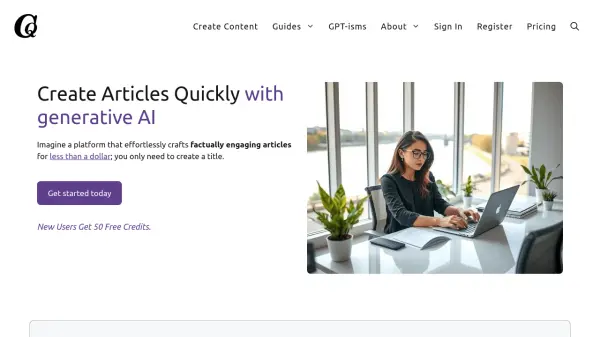
What is Compose Quickly?
Compose Quickly leverages the power of generative AI to streamline content creation. The platform facilitates the production of factually accurate and engaging articles optimized for search engines. It simplifies the writing process, allowing users to focus on title creation while the system handles the rest.
Features include bulk article generation, automatic addition of multimedia elements (videos, images, tables), and direct publishing to WordPress websites. The service supports multiple languages, enhancing its versatility for diverse content needs.
Features
- Bulk Generation: Easily create topical authority on any subject with well-written, factually correct articles.
- Multi-Media: Automatically add videos, an image, a table, and pros and cons to your articles.
- Direct Uploads: Seamlessly integrate your WordPress website and publish directly or save as a draft.
- Multiple Languages: Choose from eleven languages: English, Spanish, French, Italian, German, Brazilian, Polish, Slovenian, Swedish, Greek and Norwegian.
Use Cases
- Creating SEO-optimized blog posts
- Building topical authority on a specific subject
- Generating content for e-commerce websites
- Creating multilingual content for international websites
- Automating content creation workflow