What is Coloromo?
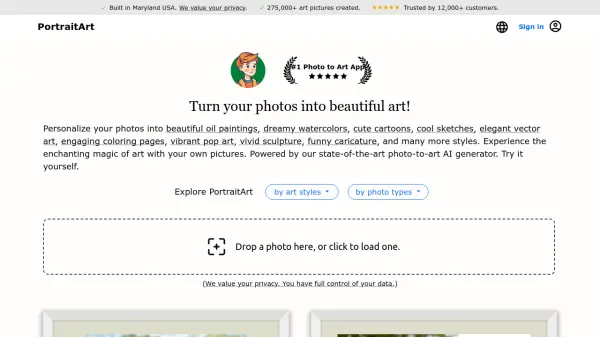
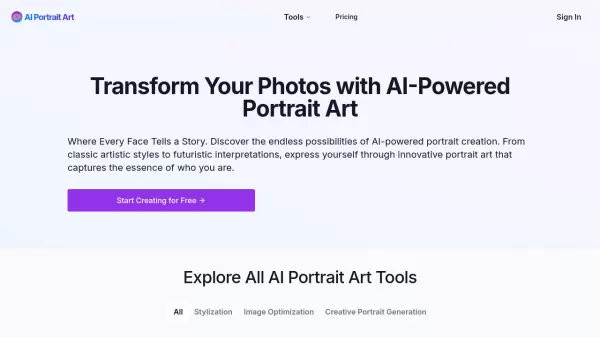
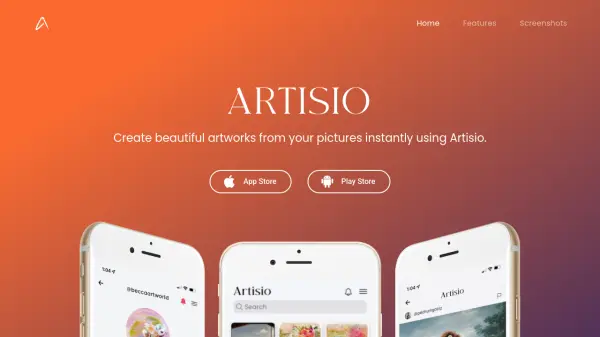
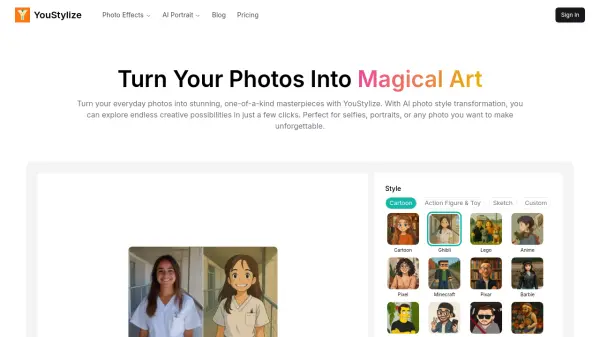
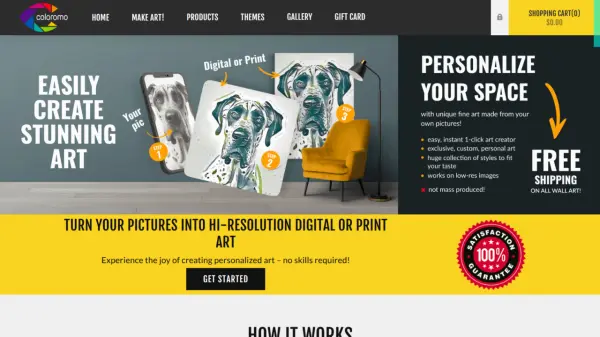
Coloromo is an innovative platform that leverages artificial intelligence to transform ordinary photographs into extraordinary works of art. By simply uploading an image, users can explore thousands of unique artistic styles and variations, all generated instantly.
The process is user-friendly and requires no artistic skills or software knowledge. Coloromo offers a diverse range of artistic styles, from traditional art and neons to bold colors and black and white, ensuring there's a perfect style for every image and taste. The generated artwork can be downloaded for free or purchased as high-quality prints on various materials, including canvas, wood, acrylic, and metal.
Features
- Image Upload: Easily upload your photos to be transformed.
- Style Selection: Choose from hundreds of artistic styles.
- Instant Generation: Get thousands of art variations immediately.
- High-Resolution Output: Create high-quality images suitable for printing.
- Print Options: Purchase prints on canvas, wood, acrylic, metal, and more.
- Free Downloads: Download selected artwork for free.
Use Cases
- Creating personalized home decor
- Generating unique gifts
- Producing high-resolution advertising materials
- Enhancing digital content for websites and social media
- Offering personalized art options for businesses
- Creating custom wall decals
FAQs
-
What is A.I. Art?
The website does not explicitly provide what AI art is. It is implicitly stated on the home page that it converts photos into stunning artwork.