What is Codeium?
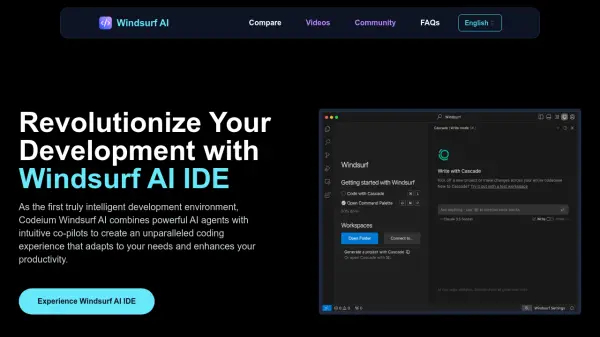
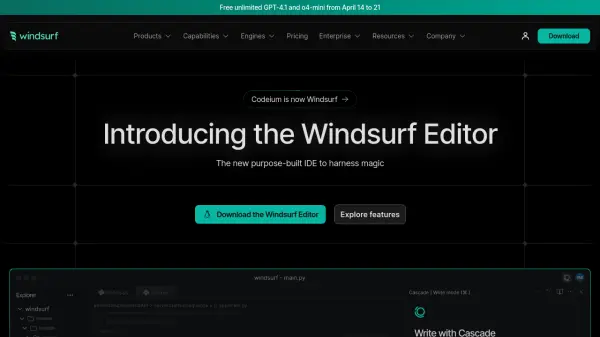
Codeium provides developers with an AI-driven toolkit designed to enhance coding productivity directly within their integrated development environment (IDE). It offers functionalities such as in-editor AI chat for quick assistance and AI command instructions to automate tasks, aiming to streamline the development process. The tool integrates with popular IDEs like VS Code and JetBrains via Windsurf Extensions.
Leveraging various AI models, including options like GPT-4o and Claude Sonnet in premium tiers, Codeium assists with code generation and understanding. It emphasizes features like context awareness to provide relevant suggestions and attribution filtering. Security is addressed through encryption in transit and options for zero-data retention on paid plans, ensuring user code privacy is maintained.
Features
- In-Editor AI Chat: Get AI assistance directly within your IDE.
- AI Command Instructions: Automate coding tasks using AI commands.
- Windsurf Tab Code Completion: Receive AI-powered code suggestions and completions.
- Multi-Model Access: Utilize various AI models including GPT-4o, Claude Sonnet, and DeepSeek-R1 (on paid plans).
- IDE Integration: Works with VS Code and JetBrains via Windsurf Extensions.
- Context Awareness: Provides code suggestions based on project context.
- Encryption in Transit: Secures data transmission.
- Optional Zero-Data Retention: Enhances code privacy on paid plans.
- Cascade Credit System: Manage usage of premium AI models through a credit system.
Use Cases
- Accelerating code writing and completion.
- Debugging code with AI assistance.
- Understanding complex codebases.
- Automating repetitive coding tasks.
- Learning new programming concepts or languages within the IDE.
- Reviewing code with AI suggestions (Forge beta feature).
FAQs
-
What are Flow Action and User Prompt credits?
The provided text mentions Flow Action and User Prompt credits used for accessing premium AI models within the Cascade system, but does not detail their specific function or difference. -
What happens if I run out of Flow Action or User Prompt credits?
The provided text indicates that users on paid plans (Pro, Pro Ultimate, Teams, Teams Ultimate) can purchase additional credits. Free plan users cannot purchase more credits. -
What happens to my unused credits for the month?
For Pro and Pro Ultimate plans, purchased additional credits have monthly rollover. The text doesn't explicitly state if the base monthly credits rollover for any plan. -
Are credits consumed for Command and Chat in Windsurf Extensions (VS Code and JetBrains IDEs)?
The provided text does not specify if Command and Chat features consume credits. Credits seem primarily tied to premium model usage via User Prompts and Flow Actions in the Cascade system.