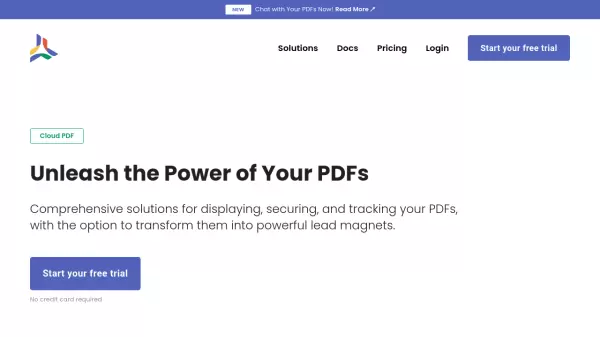
What is CloudPDF?
CloudPDF provides a robust solution for businesses and professionals looking to maximize their PDF document potential. The platform combines secure document management with advanced features like lead capture, engagement tracking, and AI-powered chat functionality, all while ensuring lightning-fast loading through a global CDN network.
The platform caters to both non-technical users and developers, offering a customizable PDF viewer that can be seamlessly integrated into websites. With features like token-based security, access time control, and download prevention, CloudPDF ensures complete control over document distribution while maintaining professional-grade document protection.
Features
- Secure PDF Viewer: Token-based security with customizable access controls
- Lead Generation: Capture visitor information before document access
- Document Analytics: Track engagement and user interaction
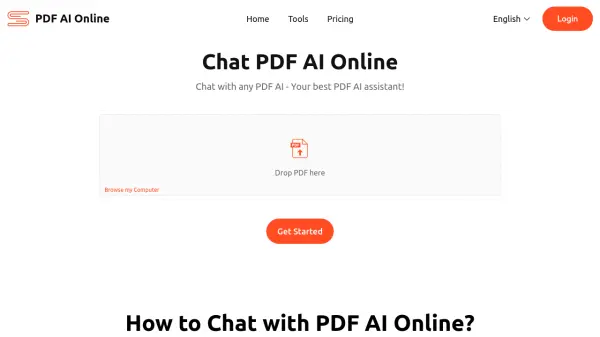
- AI Chat Integration: Interact with PDF content through chat interface
- CDN Distribution: Global content delivery for fast loading
- Developer Integration: Easy-to-implement SDK and API access
- Custom Branding: Removable CloudPDF branding and domain customization
- Access Control: Prevent unauthorized downloading and sharing
Use Cases
- Lead generation through gated PDF content
- Secure distribution of digital publications
- Sales document engagement tracking
- Online course material protection
- Website PDF viewer integration
- Document analytics for marketing insights
FAQs
-
Can I change my plan later on?
Yes, you can change your plan at any time. -
Can I cancel my account at any time?
Yes, you can cancel your account anytime with no hassle. -
Do I need a credit card to sign up for a trial subscription?
No, no credit card is required for the trial subscription.