
What is Cloage?
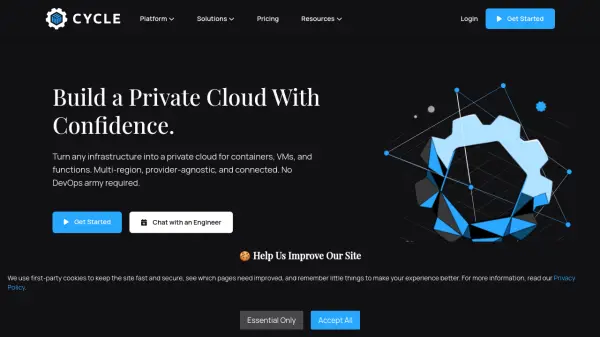
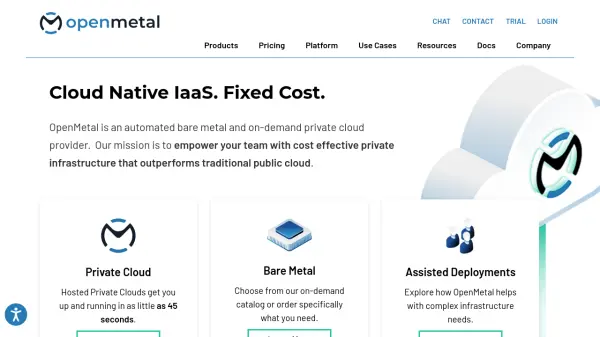
Cloage provides a comprehensive private cloud solution designed to simplify infrastructure deployment and management for organizations. The platform offers a structured approach through Day 0 planning, Day 1 deployment, and Day 2 ongoing management phases, ensuring businesses can effectively transition to and maintain their cloud infrastructure.
The solution includes managed Kubernetes services, bare metal provisioning, and workload management capabilities. It features a user-friendly interface for easy setup, robust security measures to protect data, and reliable performance with automatic backups and disaster recovery options. Cloage serves as an alternative to DevOps/SRE roles, providing businesses with control over their data while eliminating risks associated with third-party cloud services.
Features
- Easy Setup: User-friendly interface for quick private cloud deployment with minimal configuration
- Security: Private cloud solution with advanced security technology to protect business data
- Reliability: Automatic backups and disaster recovery options for consistent uptime and availability
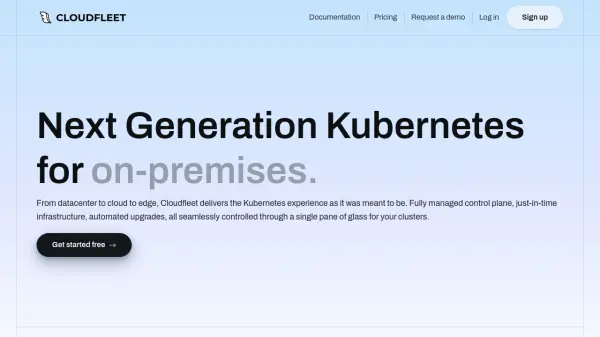
- Managed Kubernetes: Instant cluster deployment with 24/7 monitoring and expert support
- Bare Metal Provisioning: Flexible server provisioning options with instant setup capabilities
Use Cases
- DevOps/SRE roles replacement in organizations
- Secure on-premise cloud infrastructure deployment
- Managed Kubernetes cluster deployment and management
- Bare metal server provisioning for business infrastructure
- Private cloud solution for data control and security