What is Cloudfleet?
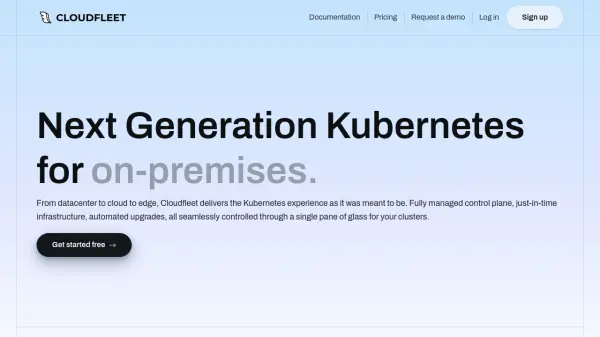
Cloudfleet provides a fully managed Kubernetes service designed to simplify containerized workload deployment across multiple cloud providers and on-premises environments. The platform centralizes infrastructure management through a single control plane, eliminating operational overhead while maintaining CNCF conformity to prevent vendor lock-in.
The solution features automated node provisioning based on real-time demand, global encrypted networking, and built-in security with enterprise-grade access controls. Cloudfleet includes integrated container registry services and a curated Helm charts marketplace with production-ready applications, all designed to reduce complexity and provide predictable costs for modern cloud operations.
Features
- Managed Control Plane: Fully managed Kubernetes control plane with automated upgrades and high availability
- MultiCloud Deployment: Single Kubernetes cluster deployment across any cloud provider in any region
- HybridCloud Integration: Seamless integration of public clouds, private infrastructure, and edge environments
- Cost Optimization: Automatic replacement of underutilized nodes and workload consolidation for infrastructure efficiency
- Security Built-in: Enterprise-grade security with RBAC, identity federation, and compliance with SOC 2 and ISO 27001 standards
Use Cases
- Deploying containerized applications across multiple cloud providers
- Managing hybrid cloud infrastructure with on-premises and edge environments
- Optimizing Kubernetes infrastructure costs through automated resource management
- Running mission-critical workloads with enterprise-grade security and support
- Scaling AI and machine learning applications on Kubernetes clusters
FAQs
-
What is Cloudfleet Kubernetes Engine (CFKE)?
CFKE is a fully managed service that simplifies running Kubernetes across multiple cloud providers and on-premises environments, eliminating the need to install or operate your own Kubernetes control plane or manage worker nodes. -
Is a credit card required for the Basic plan?
No credit card is needed for the Basic plan. Users can sign up, connect to their Kubernetes cluster, and deploy applications immediately. -
How does the Basic plan cluster hibernation work?
Basic clusters without active workloads will hibernate after seven days of inactivity, with cluster state preserved and resumption available anytime through the Cloudfleet console. -
When can I cancel my subscription?
All Cloudfleet resources are prorated by the minute, allowing cancellation at any time with payment only for resources used.