What is Cliplama?
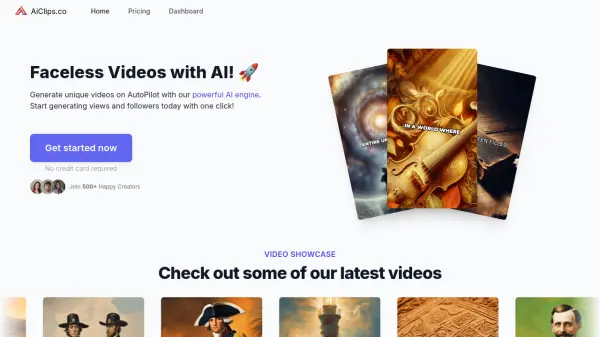
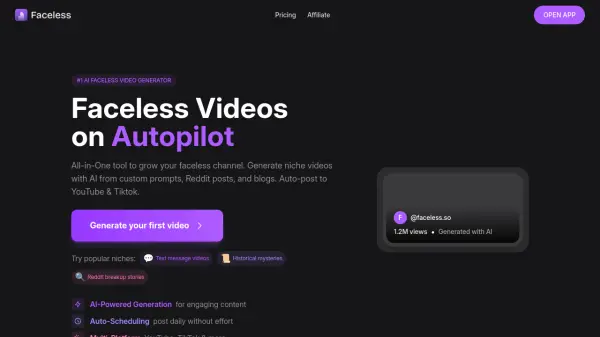
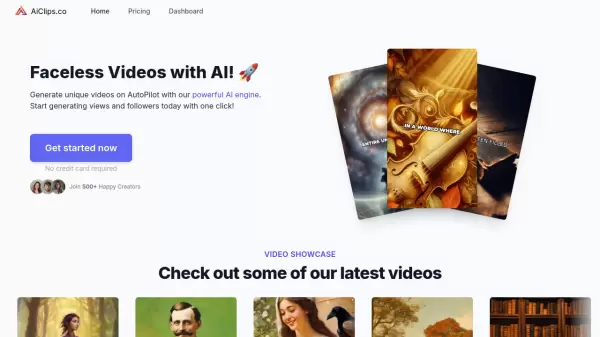
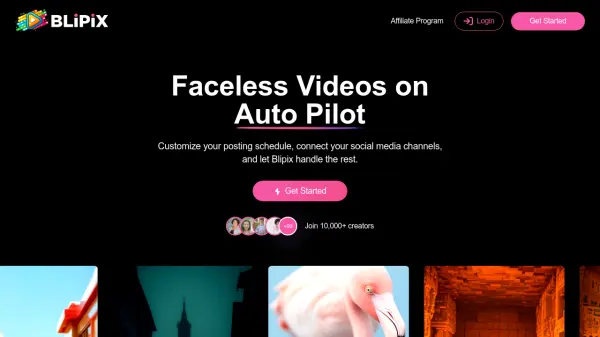
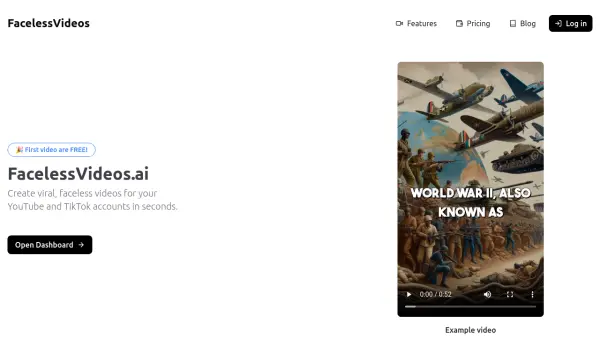
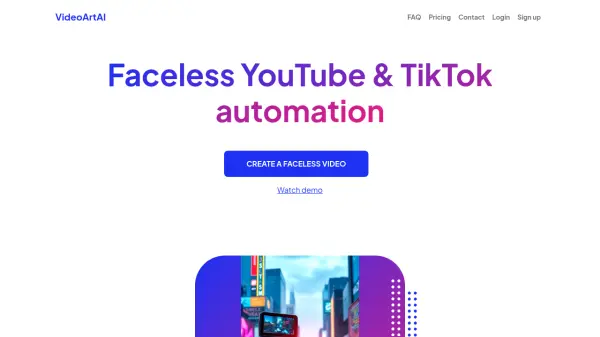
Cliplama is an AI-driven platform designed to simplify and automate the creation of faceless videos. It leverages artificial intelligence to transform text descriptions into engaging video content, complete with voiceovers and background music.
Users can quickly generate unique videos by providing a text description and selecting a preferred voice style. Cliplama streamlines the process, catering to the needs of content creators seeking efficiency and automation for their faceless channels on platforms such as TikTok and Youtube.
Features
- Video Generation: Describe your video with text, select a voice style and Cliplama will generate unique faceless video in seconds.
- Video Scheduling: Schedule your videos across TikTok and YouTube (soon) and see you channel grow on autopilot!
- AI Background Music: Includes auto generated background music.
- ElevenLabs Voices: Access to ElevenLabs Voices available in paid versions.
Use Cases
- Creating content for faceless YouTube channels
- Generating engaging videos for TikTok
- Automating video production for social media marketing
FAQs
-
What are the credits?
Credits are used for video generation. 1 credit = 1 short video (up to 1 minute), 2 credits = 1 medium video (2-3 minutes), 3 credits = 1 long video (4-6 minutes). -
Can I buy more credits?
Can I buy more credits? -
Can I edit my videos?
Can I edit my videos? -
Can I schedule my videos?
Can I schedule my videos? -
How long does it take to generate a video?
How long does it take to generate a video?