What is ClipFoundry?
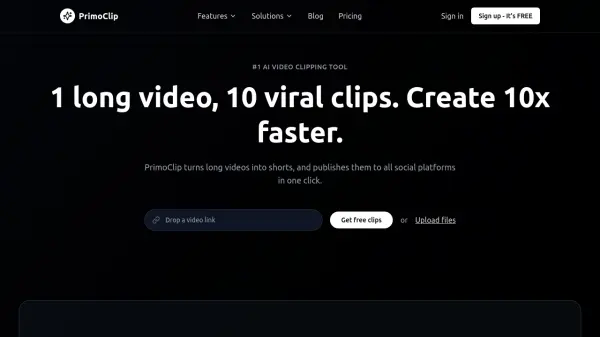
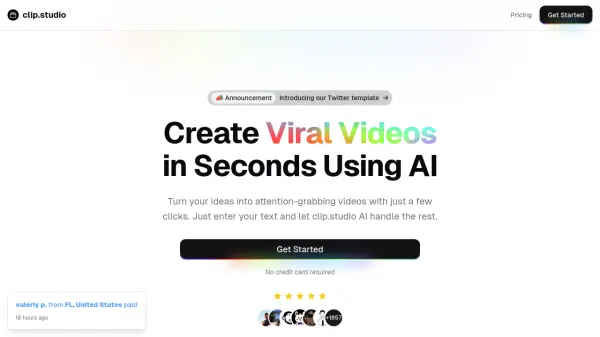
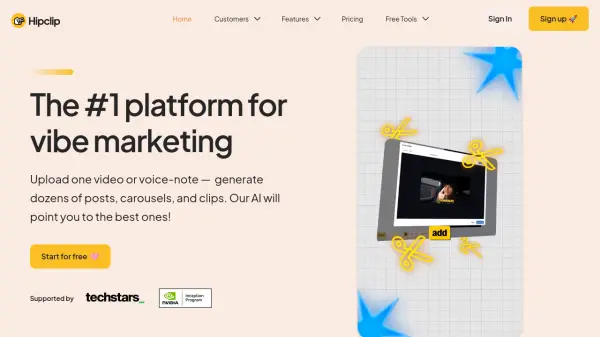
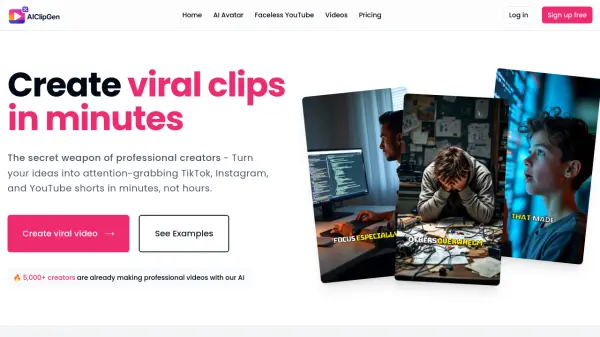
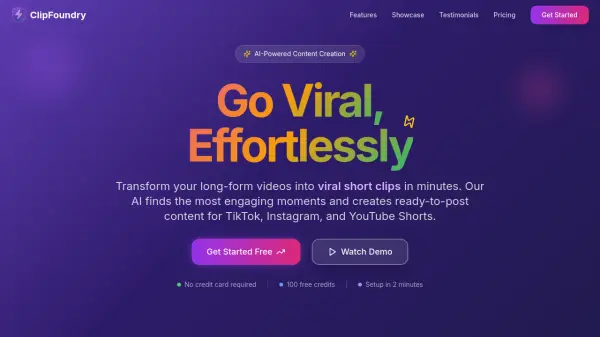
ClipFoundry leverages advanced artificial intelligence to streamline content creation by automatically analyzing video transcripts and visual cues to identify the most engaging moments. The platform generates ready-to-post vertical clips optimized for various social media platforms, complete with animated captions and virality scoring to maximize viewer retention and engagement.
Users can customize clips with their branding elements and publish directly to multiple platforms without leaving the interface. The tool supports common video formats, offers different aspect ratios, and provides secure processing with full content ownership retained by the user.
Features
- AI Content Analysis: Advanced AI analyzes video transcripts and visual cues to automatically identify shareable, high-impact moments
- Smart Clip Generation: Automatically generates ready-to-post vertical clips optimized for each social media platform
- Viral Captions: Creates engaging animated captions with perfect timing to maximize viewer retention and engagement
- Virality Scoring: Each clip receives a score based on content quality, pacing, hooks, and structure to help select winners
- Custom Branding: Add logos, colors, fonts, and branding elements to maintain consistent brand presence across platforms
- One-Click Publishing: Publish finished clips directly to TikTok, Instagram, YouTube Shorts, and more without leaving the platform
Use Cases
- Transforming long-form podcasts into multiple viral short clips for social media
- Creating engaging content from webinar recordings to expand social media reach
- Converting YouTube videos into optimized clips for TikTok and Instagram Reels
- Generating branded short-form content for marketing campaigns
- Streamlining content production workflow for social media managers
FAQs
-
What video formats are supported?
We support most common video formats including MP4, MOV, AVI, MKV, and WebM. For best results, we recommend uploading videos in MP4 format with a resolution of at least 720p. Videos can be up to 2GB in size and up to 4 hours long. -
How many clips will I get from my video?
The number of clips generated depends on your video length and content. Typically, you'll get 3-8 clips per video, with each clip being 15-60 seconds long. Our AI automatically determines the optimal number and length of clips based on your content's engagement potential. -
How long does processing take?
Processing time depends on your video length and our current queue. Most videos are processed within 5-15 minutes. You'll receive an email notification when your clips are ready. During peak times, processing may take up to 30 minutes. -
Can I use the clips commercially?
Yes! You retain full ownership of your content and can use the generated clips for any purpose, including commercial use. Our AI simply helps you create clips from your own videos - we don't claim any rights to your content. -
What if I'm not satisfied with the results?
We want you to be completely satisfied with your clips. If you're not happy with the results, you can regenerate clips using additional credits, or contact our support team for assistance. We also offer a 30-day money-back guarantee on all paid plans.