
What is ClipDreamer?
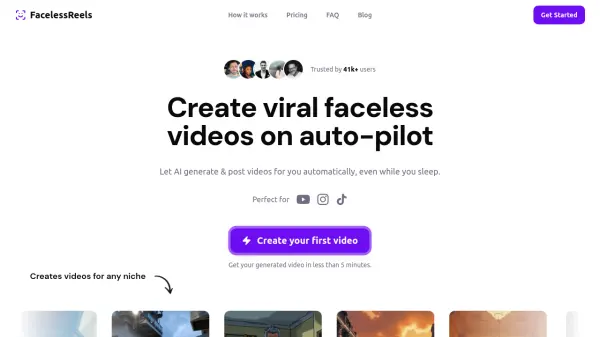
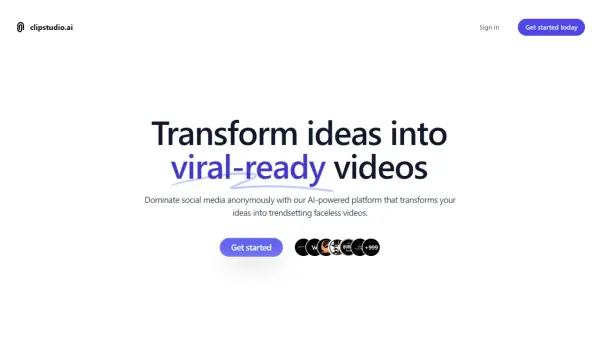
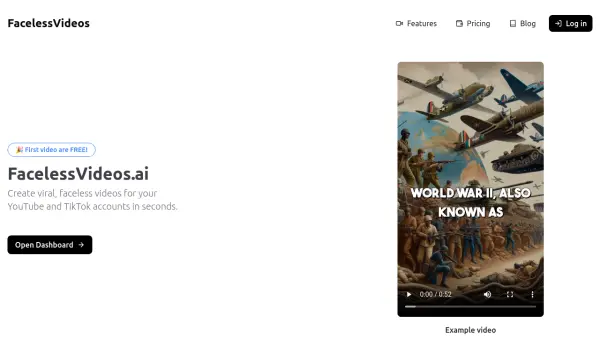
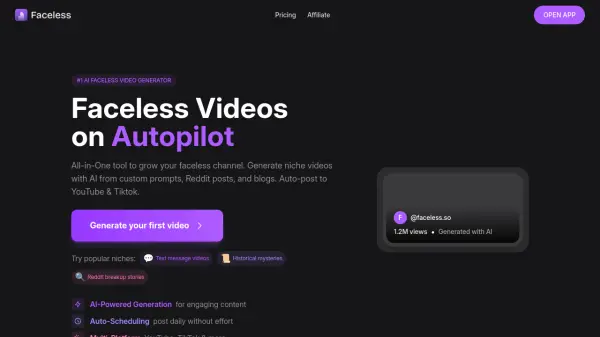
ClipDreamer is an AI video platform designed to automate the creation of viral faceless short videos for social media channels. It leverages next-generation AI tools such as Flux, Kling, and Runway to generate high-quality video content tailored to specific niches. Users can describe their series, and the platform builds scripts, generates videos, and auto-posts to destinations like TikTok and YouTube at chosen intervals, up to three times per day.
The platform offers thousands of styles and models, including anime, realist, and sci-fi, and supports custom AI model training with user headshots. It includes features like HD video resolution, no watermark, multiple voice options, and background music. ClipDreamer helps creators transform ideas into income by automating content creation, ensuring fresh, engaging videos are produced consistently without manual effort.
Features
- Unlimited Series: Create automated streams of AI-generated videos for continuous content.
- Thousands of Styles and LORAs: Access a wide range of models including anime, realist, and sci-fi for diverse video creation.
- Custom AI Model Training: Train personal AI models with headshots for personalized content in any style.
- AI Video Generation: Use tools like Kling and Runway to create stunning videos in seconds.
- Auto-Posting: Schedule videos to post automatically to TikTok and YouTube at intervals up to 3 times per day.
- HD Video Resolution: Produce high-definition videos without watermarks for professional quality.
- Multiple Voice Options: Choose from over 20 voices to narrate videos.
- Background Music: Select from 30+ music options to enhance video engagement.
Use Cases
- Automating content creation for faceless social media channels.
- Generating viral short videos for niches like gaming, fashion, or finance.
- Building a series of consistent videos with recurring characters and themes.
- Training custom AI models to produce personalized video content.
- Scheduling and auto-posting videos to TikTok and YouTube to save time.
FAQs
-
What is the difference between the Free and Paid versions?
The free version allows creating one series with email support only, while paid versions offer unlimited series and support for TikTok and YouTube. -
What is a series?
A series is an automated stream of AI-generated videos uploaded to social media at chosen intervals, based on user prompts and settings. -
What niches do you support?
The platform supports various niches through templates, but users can create sequences for any niche. -
What social media platforms do you support?
Currently, TikTok and YouTube are supported, with others in development. -
Are the videos unique?
Yes, each video is unique and generated using AI to fit the user's vision.