What is CLAY AI?
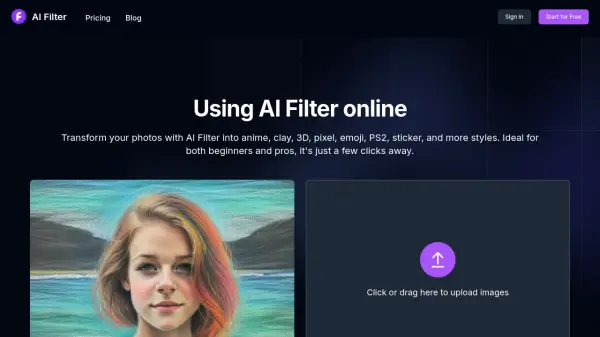
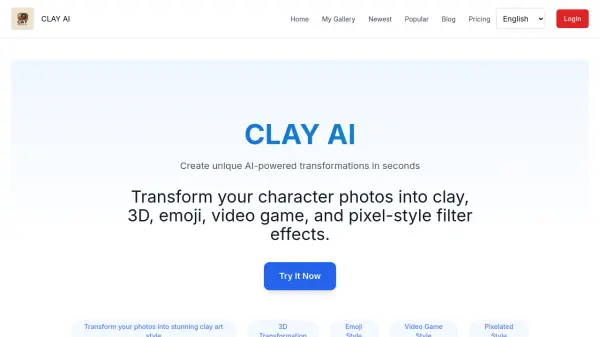
CLAY AI is an innovative tool that leverages artificial intelligence to transform character photos into unique artistic styles. Users can upload their photos and choose from a variety of styles, including clay, 3D, emoji, video game, and pixel effects. The process is quick and straightforward, taking only 10-20 seconds to generate high-quality results. CLAY AI is designed for both personal and professional use, offering a fun and creative way to enhance digital communication and design projects.
The platform prioritizes user privacy and data security, ensuring that all user data is handled with robust encryption and strict access protocols. With its intuitive interface, CLAY AI is accessible to users of all skill levels, making it easy to create personalized and engaging digital content.
Features
- Clay Style: Transform photos into handcrafted clay art
- 3D Transformation: Add depth and dimension to images
- Emoji Style: Create lively and amusing avatars
- Video Game Style: Give photos a retro gaming vibe
- Pixelated Style: Achieve a unique pixel art effect
Use Cases
- Personalizing chat applications
- Enhancing social media posts
- Creating unique avatars
- Designing creative merchandise
FAQs
-
What is CLAY AI?
CLAY AI is a cutting-edge tool designed to transform photos into unique and personalized stickers using artificial intelligence. It analyzes facial features and allows users to customize stickers with various artistic styles and text, creating a fun and engaging way to express oneself through digital stickers. -
Is it safe to use CLAY AI?
Absolutely safe. CLAY AI prioritizes user privacy and data security. We employ robust security measures, including data encryption and strict access protocols, to ensure that all user data is handled in compliance with global security standards. -
Is CLAY AI easy to use?
Yes, CLAY AI is built with user experience at its core. It features a simple and intuitive interface that guides users through the process of creating their custom stickers. Whether you are a design pro or a beginner, you will find the platform easy to navigate and use. -
What can CLAY AI be used for?
CLAY AI is versatile and can be used for a variety of purposes. It is perfect for personalizing chat applications, enhancing social media posts, creating unique avatars, or even designing creative merchandise. Its ability to add a personal touch to digital communication makes it an excellent tool for both personal and professional use.