What is Claris?
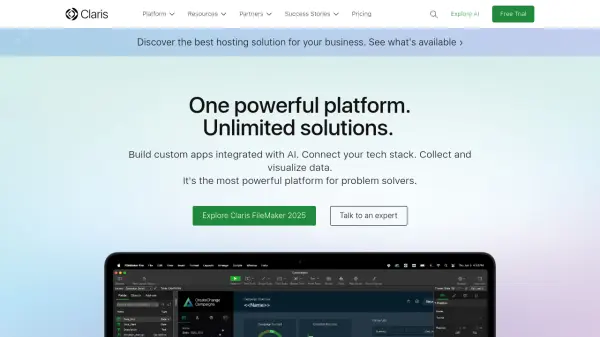
Claris is a unified technology platform that enables users to build custom applications with integrated artificial intelligence capabilities. The platform combines Claris FileMaker for app development, Claris Connect for workflow automation, and Claris Studio for creating web experiences, providing a comprehensive solution for digital transformation.
The platform offers drag-and-drop design tools, prebuilt add-ons, and built-in templates to accelerate app development. It supports data import from various sources including CSV, Excel, and XML files, and includes advanced reporting tools for creating executive dashboards. With AI integration, users can implement natural language searches and intelligent interactions within their custom applications.
Features
- Custom App Creation: Build powerful custom applications with drag-and-drop design tools and prebuilt add-ons
- AI Integration: Implement AI capabilities for natural language searches and intelligent app interactions
- Workflow Automation: Automate entire tech stacks and workflows through Claris Connect integration
- Data Visualization: Create summary reports and executive dashboards with built-in reporting tools
- Multi-Platform Deployment: Deploy apps on web browsers, iOS devices, Windows, and Mac computers
Use Cases
- Building custom workplace operating systems for businesses
- Creating broadcast operations management systems for media production
- Centralizing research data and operations for scientific organizations
- Developing healthcare management systems for patient care coordination
- Generating custom contracts and reports for sales processes
FAQs
-
What hosting options are available for Claris FileMaker applications?
Claris offers FileMaker Cloud for cloud hosting and FileMaker Server for self-hosted solutions, each with different tiers and capabilities. -
Does Claris support integration with other applications and services?
Yes, Claris Connect provides workflow automation to integrate with third-party applications and services through various connectors. -
What types of data sources can be imported into Claris applications?
Claris supports data import from CSV, Tab, XML, and Microsoft Excel files, as well as connections to external SQL databases. -
Is there technical support available for Claris platform users?
Yes, Claris provides free 24/7 technical support in English for platform users. -
What security features does the Claris platform offer?
The platform includes end-to-end encryption, single sign-on authentication, database encryption, SSL encryption, and compliance with SOC 2 and ISO certifications.