What is Chatterlytics?
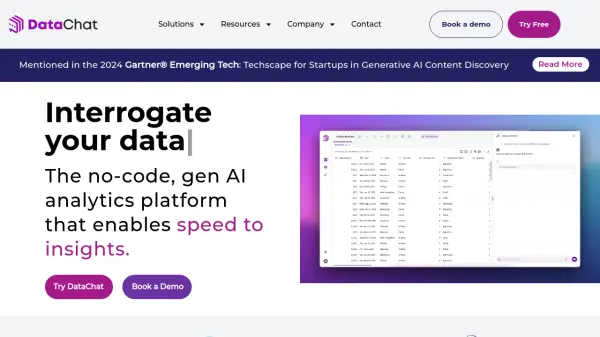
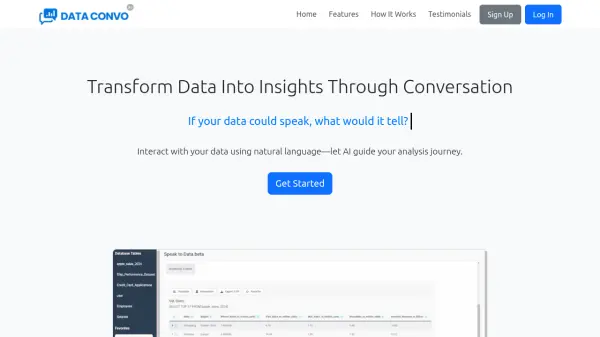
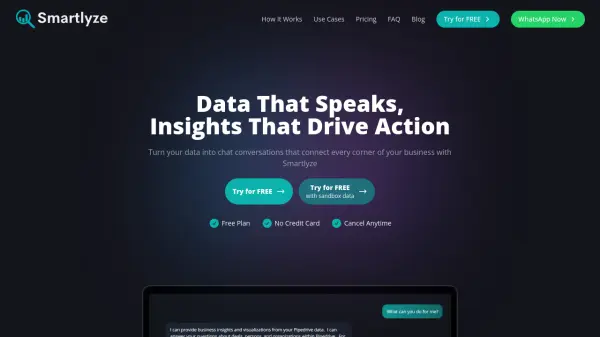
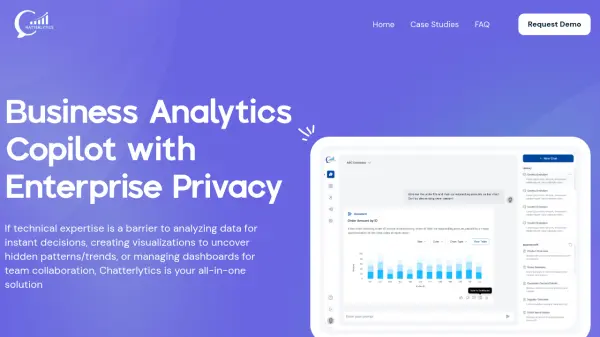
Transforms the way businesses interact with their data. It makes data analytics and business insights accessible and engaging through natural language conversations.
Offers features such as simultaneous connection with multi-database plugin support and also enables the user to build data-rich dashboards. AI feature helps user by suggesting KPIs and visualizations tailored to user data, helping to spot trends and patterns instantly.
Features
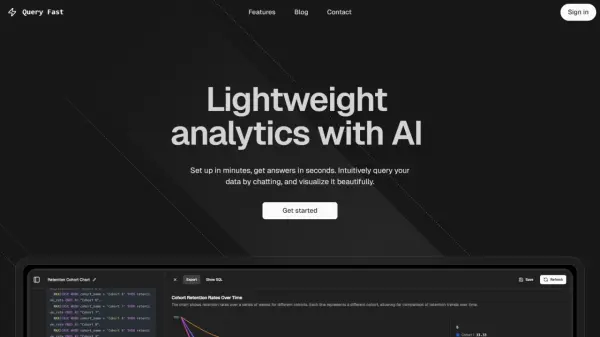
- Chat Your Way to Insights: Get instant answers via AI chat, transforming questions into visualizations or ad hoc reports.
- Simultaneous Connection with Multi-Database Plugin Support: Seamlessly access and switch between multiple databases.
- Build Dashboards That Do More: Design, save, and share data-rich dashboards for instant insights.
- Let AI Spot Your KPIs: AI suggests KPIs and visualizations to highlight trends and patterns.
- Ensure Enterprise-Level Privacy and Security: Operates with enterprise-grade privacy controls.
- Contextual Understanding for Smarter Data Analytics: Provides precise insights with contextual understanding.
- Easy Sharing and Collaboration: Share insights and dashboards for team collaboration.
- User Management: Control access, manage subscriptions, and designate admins.
Use Cases
- Analyzing data for instant business decisions.
- Creating visualizations to uncover hidden patterns and trends.
- Managing dashboards for team collaboration.
- Generating ad hoc reports.
- Streamlining data analytics processes.
FAQs
-
How does Chatterlytics ensure data privacy?
Chatterlytics ensures enterprise-grade privacy controls, ensuring your data never leaves your environment.