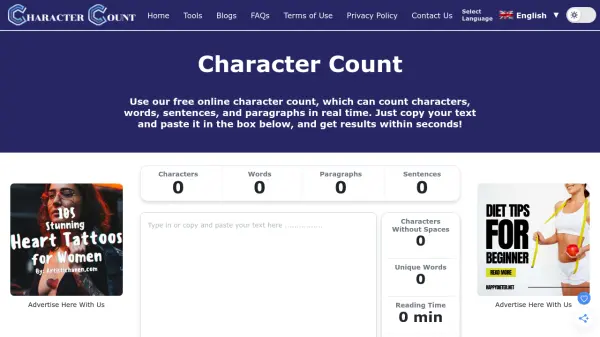
What is Character Count?
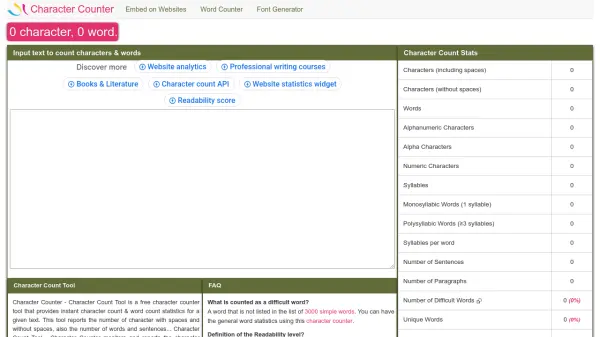
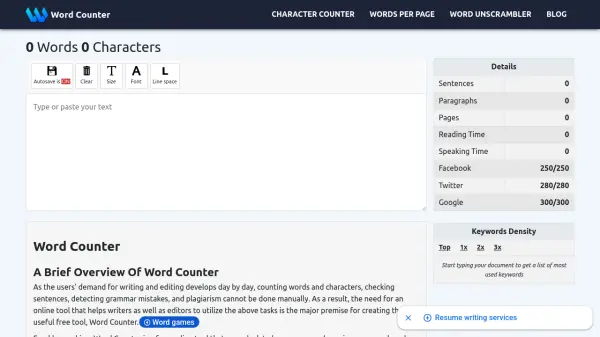
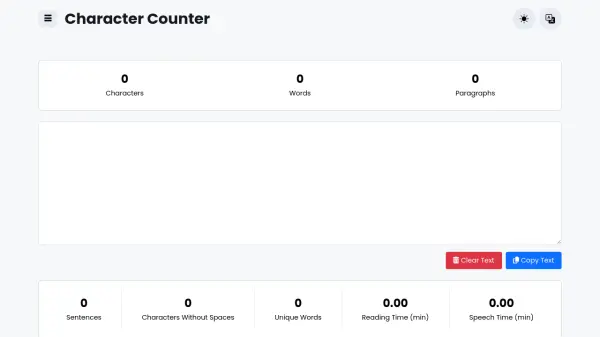
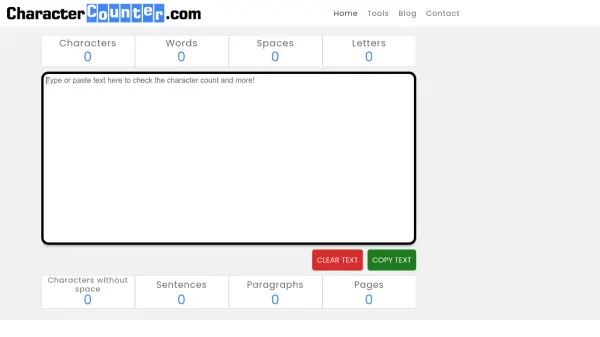
Character Count is a free, easy-to-use online tool that provides instant counts for characters, words, sentences, and paragraphs. Simply paste your text into the input box to get real-time results. This tool is designed for writers, marketers, students, and anyone who needs to comply with strict character limits on platforms like Twitter, SEO meta descriptions, or Google Ads.
Beyond basic counting, it offers additional metrics such as character count without spaces, unique word count, reading time, speech time, and keyword density analysis. The tool supports multiple languages and is fully responsive across devices. No sign-up or installation is required, making it accessible for everyone.
Features
- Real-Time Counting: Instantly updates as you type or paste text.
- Keyword Density Insights: Shows how often specific terms are used.
- Unique Word Analysis: Displays number of unique words.
- Multi-Device Support: Works on phone, tablet, and desktop.
- Universal Language Support: Accurately counts characters in any language.
- Dark Mode: Toggle dark theme for comfortable use.
- Reading and Speech Time: Estimates time to read or speak the text.
- No Sign-Up Required: Free to use without registration.
Use Cases
- Ensuring social media posts fit character limits.
- Optimizing SEO meta descriptions and title tags.
- Checking essay or assignment length requirements.
- Analyzing keyword density for content marketing.
- Estimating reading or speech time for presentations.
FAQs
-
What is a character counter tool?
A character counter tool is a free online application that helps you determine the number of characters in your text, including spaces. It is especially useful for writers and marketers who need to stay within specific character limits. -
How can I count characters in my text?
You can count characters in your text by using a free character counter tool available online. Simply paste your text into the tool, and it will display the total character count. -
Is there a character counter that includes spaces?
Yes, most character counter tools, including ours, provide a count for characters with spaces. This feature is crucial for accurately assessing your text length for platforms with strict limits.