What is cdnjs?
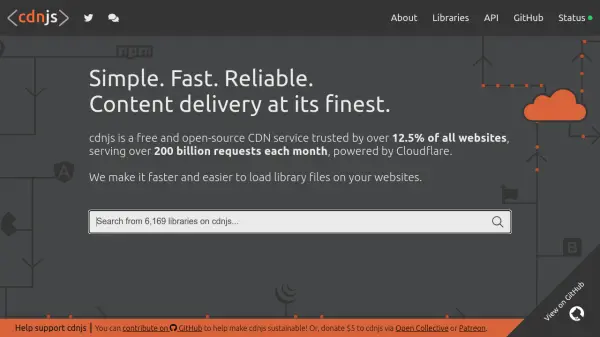
cdnjs is a free and open-source content delivery network (CDN) service designed to enhance website performance by efficiently loading library files. It operates on a global scale, powered by Cloudflare, and handles over 200 billion requests each month. The service is trusted by more than 12.5% of all websites, making it a reliable choice for developers seeking to improve load times and reliability.
The platform provides a straightforward and user-friendly experience, allowing users to easily integrate libraries into their projects. It supports community contributions through GitHub and offers sustainability options via donations on Open Collective or Patreon. With sponsors like Cloudflare and Algolia, cdnjs ensures high availability and fast content delivery across its network.
Features
- Free and Open-Source: No cost for usage with open-source accessibility
- High Reliability: Trusted by over 12.5% of all websites
- Massive Scale: Serves over 200 billion requests each month
- Powered by Cloudflare: Utilizes Cloudflare's infrastructure for fast delivery
- Community-Driven: Supports contributions and donations via GitHub, Open Collective, and Patreon
Use Cases
- Speeding up website load times by delivering library files efficiently
- Reducing server load by offloading library hosting to a CDN
- Improving website reliability with a trusted CDN service
- Supporting open-source projects with free content delivery
- Enhancing developer workflows with easy library integration