
CARDPRESSO favicon

CARDPRESSO
Expert ID Card Software Solutions for Business and Personal Use

What is CARDPRESSO?

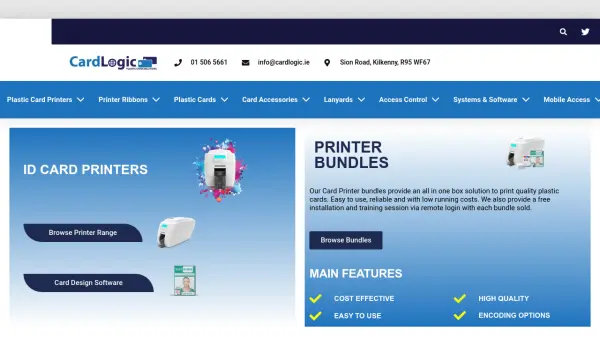
CARDPRESSO develops specialized software solutions for the ID card market, focusing on bridging traditional technology with modern trends. The company emphasizes reliability, customer-focused innovation, and expert technical support to serve as a trusted partner for businesses and individuals.

The software is designed for friendly and easy usage, with continuous improvements from the R&D team. CARDPRESSO offers comprehensive support through technotes, video tutorials, and multiple communication channels including phone, Skype, and email.

Features

  • ID Card Software: Professional tools for ID card creation and management
  • Expert Technical Support: High-quality free support via multiple channels
  • User-Friendly Design: Easy-to-use software with continuous improvements
  • Global Presence: Available in 93 countries with 332 partners

Use Cases

  • Creating professional ID cards for organizations
  • Managing ID card systems for businesses
  • Personal ID card creation for individual use
  • Distributing ID card software through partner networks

Related Tools:

Blogs:

  • Best AI tools for trip planning

    Best AI tools for trip planning

    These tools analyze user preferences, budget constraints, and destination details to provide personalized itineraries, suggest optimal routes, recommend accommodations, and even offer real-time updates on weather and local events.

  • Top 6 AI note-taking tools for 2026: in-person, online, and hybrid use cases

    Top 6 AI note-taking tools for 2026: in-person, online, and hybrid use cases

    Most AI note-taking lists are really lists of meeting bots, which join your video call and transcribe it. That's useful, but it's half the picture. Decisions happen in hallway conversations, client dinners, on-site visits, and hybrid rooms where nobody is on a video link. This guide covers different parts of the note-taking workflow: hardware capture for in-person settings, platform-native tools for online calls, and AI layers for organizing and synthesizing what you've captured. It compares six tools by capture context, workflow fit, pricing, and limitations.

Didn't find tool you were looking for?

Be as detailed as possible for better results