
What is Captionify?
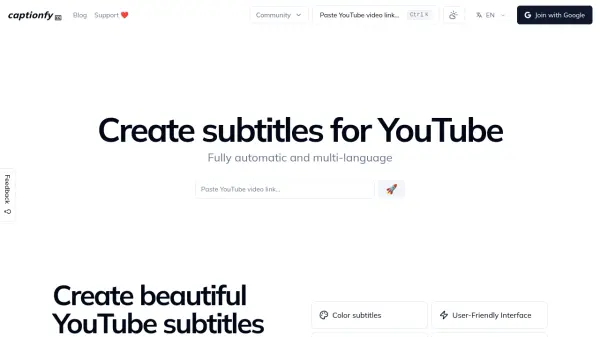
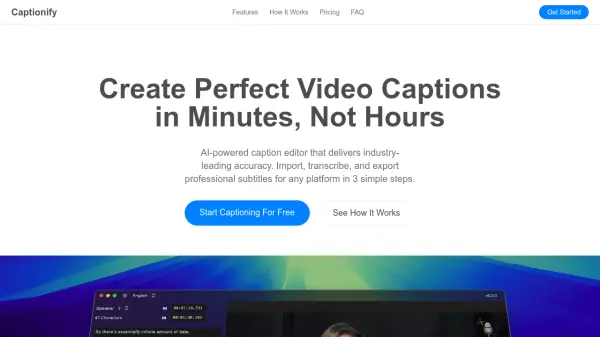
Captionify is an AI-powered caption editor designed to streamline the process of creating professional video captions. It utilizes advanced speech recognition technology to accurately transcribe audio from videos, supporting various accents and multiple languages. The tool offers an intuitive interface for editing and perfecting captions, with efficient processing that handles 20 minutes of video in just 5-10 minutes.
All processing occurs locally on the user's device, ensuring content privacy and security. Captionify is available as a desktop application for Mac, optimized for Apple Silicon, and supports a wide range of video and audio formats. It allows users to export captions in SRT or VTT formats or embed them directly into videos.
Features
- Accurate Speech Recognition: Transcribes speech from various accents with industry-leading accuracy
- Multi-language Support: Generates captions in multiple languages for videos
- Efficient Processing: Processes 20 minutes of video in 5-10 minutes
- Desktop App: Fully offline desktop application for convenience
- Secure & Confidential: Local processing ensures content privacy
- Intuitive Editor: Allows fine-tuning of captions with precision and ease
- Format Support: Supports major video and audio formats including MP4, MOV, MP3, and WAV
- Export Options: Download captions in SRT, VTT, or embed directly in video
Use Cases
- Transcribing meetings and presentations for accessibility
- Creating subtitles for social media videos to increase engagement
- Generating captions for educational content to aid learning
- Adding subtitles to marketing videos for broader audience reach
- Preparing video content for platforms with caption requirements
- Enhancing video accessibility for viewers with hearing impairments
- Localizing video content by generating captions in multiple languages
FAQs
-
What media formats does Captionify support?
Captionify supports all major video formats including MP4, MOV, AVI, WebM, and MKV, as well as audio files in MP3, WAV, AAC, and M4A formats. -
Do you offer a free trial?
Yes, Captionify offers a 2-day free trial to experience all features completely free. -
What are the system requirements?
Captionify is optimized for Apple Silicon Macs (M1, M2, and newer) with at least 8GB of RAM. Full performance and all features are only available on Apple Silicon, though basic functionality may work on Intel Macs.