What is Capboard?
Capboard offers comprehensive management of equity plans, cap tables, fundraising scenarios, employee options, and investor relations, all within a secure online platform. It provides a robust solution for startups and investors to handle share certificates, simulate funding rounds, manage virtual data rooms, schedule board and shareholder meetings, and automate documentation with integrated e-signature technology.
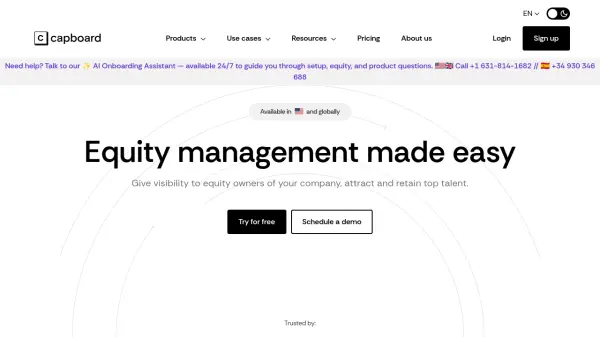
The platform features an AI Onboarding Assistant, available 24/7, to guide users through every step of account setup, equity distribution, and product questions. With scalable pricing models, advanced permission controls, and various onboarding and support packages, Capboard empowers companies to efficiently oversee complex ownership structures as they scale.
Features
- AI Onboarding Assistant: 24/7 AI-powered guidance for setup, equity, and product questions
- Cap Table Management: Monitor, edit, and share real-time cap tables and transactions
- Fundraising Modeling: Simulate dilution and funding round scenarios, including SAFE conversions
- Employee Equity Plans: Management of ESOPs, phantom shares, warrants, and other equity instruments
- Automated Documents & E-signature: Instantly create and sign share certificates, grant letters, and company contracts
- Investor Relations: Send updates, manage stakeholder meetings, and communicate securely with investors
- Board & Stakeholder Management: Organize and automate board and shareholder meetings with integrated document workflows
- Virtual Data Room: Securely store and share sensitive company documents
- Advanced User Permissions: Granular access and activity monitoring for all user types
Use Cases
- Guiding founders through equity, cap table, and product setup with AI onboarding
- Managing complex equity incentive plans for startups and growth companies
- Conducting funding round simulations to understand dilution and share distribution
- Facilitating secure document sharing between stakeholders, investors, and board members
- Automating and archiving shareholder communications and meeting minutes
- Generating IRS-compliant company valuations (409A) for tax and financial reporting
- Streamlining ESOP grant distribution, exercising, and documentation
FAQs
-
How are payments made?
Payments are processed via credit card after selecting a plan, with invoices available on the Capboard platform for reference. -
What are the cancellation conditions?
Subscriptions can be canceled at any time with a 30-day notice period, after which credit card charges will be paused. -
How is Capboard's pricing calculated?
Pricing is based on the number of stakeholders, including shareholders, employees, or entities with equity in the company. -
Who can access my data in Capboard?
User permissions are managed to control access. Founders manage all users and features, while investors, employees, or collaborators see only roles-relevant data. All changes and access are monitored. -
Is onboarding support available?
The platform supports self-managed onboarding, with optional VIP and premium onboarding packages for additional assistance.