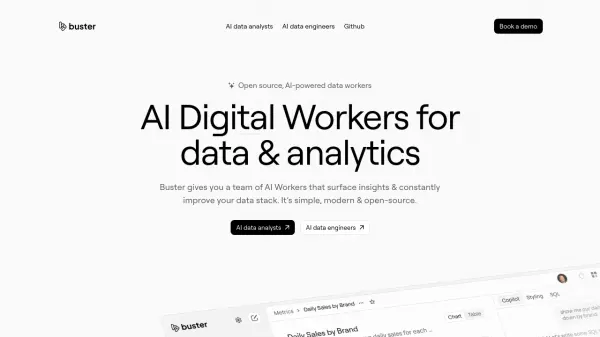
What is Buster?
Buster offers a team of AI Workers designed to enhance data analytics and streamline data operations. This open-source platform features AI data analysts for generating insights and AI data engineers for optimizing the data stack.
Buster is designed for both business users and data professionals. Business users can leverage the AI data analyst to chat with data, build dashboards, and perform in-depth analyses. Data professionals can utilize the AI data engineer, a copilot that automates data engineering tasks, generates data models, and detects improvements.
Features
- AI Data Analyst: Chat with data, build dashboards, and generate reports.
- AI Data Engineer: Automates data engineering tasks, generates data models, and detects improvements.
- Data Interaction: Drill-down data analysis using plain English.
- Dashboard and Report Generation: Creates custom charts, styling and comprehensive reports.
- Data Sharing: Options to share, export, embed, and download data.
- Workflow Automation: Automates tedious engineering workflows.
- Data Model Management: Generate and refine data models using natural language.
- Integration: Seamlessly integrates with dbt.
- Personalized Insights: AI Workers learn and adapt over time, offering customized data insights.
- Enterprise Security: SOC-2 compliant with end-to-end encryption for all customer data.
Use Cases
- Business intelligence and reporting
- Data-driven decision making
- Data stack optimization
- Automated data analysis
- Data model generation and refinement
- Data engineering workflow automation
- Embedded analytics within applications