
What is BuildPublic.app?
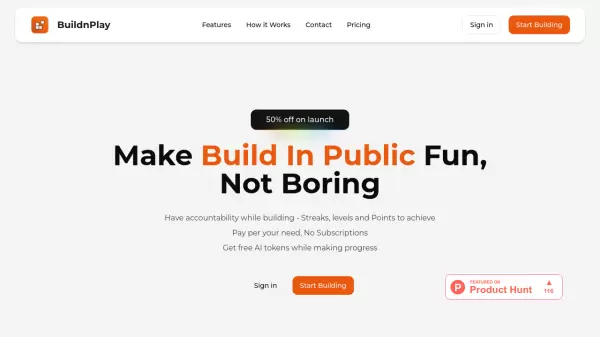
BuildPublic.app is a comprehensive dashboard designed for entrepreneurs, developers, and creators who want to share their journey of building projects transparently. It provides tools like a public Kanban board to display progress, a behind-the-scenes update feed, and a suggestion box to collect feedback from the audience. With social media integrations and multi-project support, users can grow their community and track engagement metrics.
The platform offers a free tier to get started and a Pro plan at $12/month for unlimited projects, custom branding, and priority support. Whether you're launching an MVP or scaling a product, BuildPublic.app helps you share progress, attract followers, and make informed decisions based on audience insights.
Features
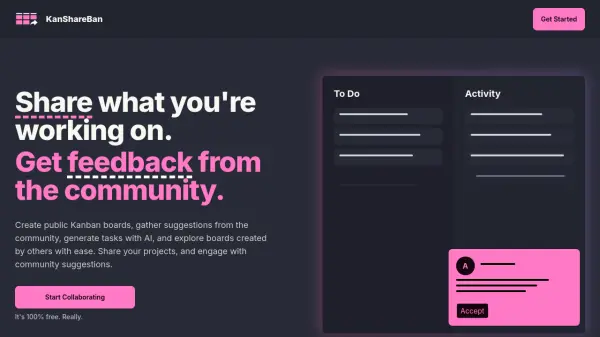
- Public Kanban Board: Share your roadmap and progress transparently with your audience.
- Update Feed: Post behind-the-scenes content, updates, and insights to keep your audience engaged.
- Suggestions Box: Collect ideas and feedback directly from your audience to improve your product.
- Social Integrations: Connect with Instagram, GitHub, and more platforms to showcase your content.
- Multi-project Support: Manage multiple projects with our Pro subscription for power users and teams.
- Analytics: Access basic analytics to understand engagement and track growth.
Use Cases
- Sharing a startup's development journey transparently.
- Building an audience around a new product or project.
- Collecting user feedback and feature suggestions.
- Showcasing behind-the-scenes work to engage followers.
- Managing multiple open-source or side projects in one dashboard.
FAQs
-
What is 'building in public'?
Building in public is the practice of sharing your project's development process openly with an audience, including progress, challenges, and learnings, to foster transparency and community engagement. -
How can BuildPublic.app help me?
BuildPublic.app provides a central dashboard with a Kanban board, update feed, suggestion box, and social integrations to help you share your journey, engage followers, and collect feedback effectively. -
Is it really free to get started?
Yes, the Free plan includes one public dashboard, Kanban board, update feed, suggestions box, and basic analytics. You can upgrade to Pro for additional features. -
What kind of projects is this good for?
It's ideal for startups, side projects, open-source tools, or any product where you want to share progress transparently and build a community around it. -
When will the platform launch?
BuildPublic.app is currently in waitlist mode with 247 people waiting. The exact launch date is not specified, but you can join the waitlist to get early access.