What is BuildMyResume?
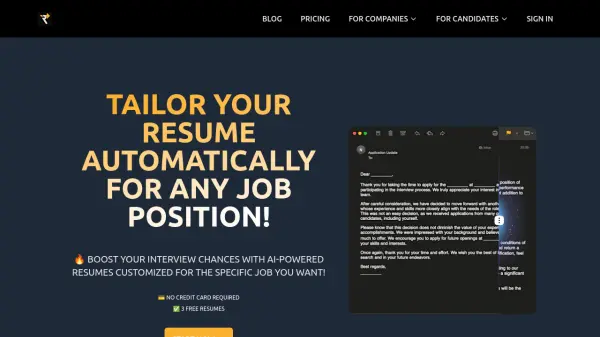
BuildMyResume is a platform designed to assist individuals in creating and optimizing their resumes and cover letters. It leverages artificial intelligence to help users tailor their application materials to specific job postings, increasing their chances of getting noticed by Applicant Tracking Systems (ATS) and securing interviews.
The service provides tools for building ATS-friendly resumes, analyzing existing resumes against job descriptions to identify skill gaps, and offers a Google Chrome extension for streamlined analysis and updates. The platform is committed to authenticity and efficiency, providing genuine resumes and quickly identifying areas for improvement.
Features
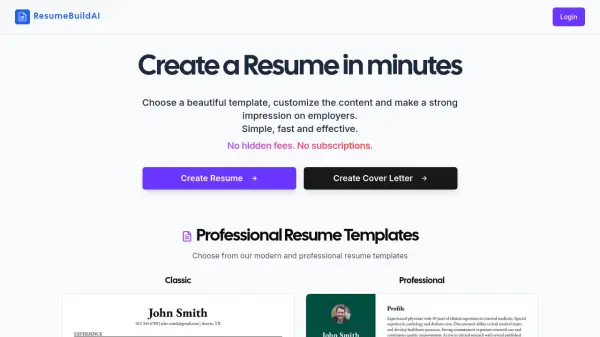
- Resume Builder: Create ATS-friendly resumes with customizable templates.
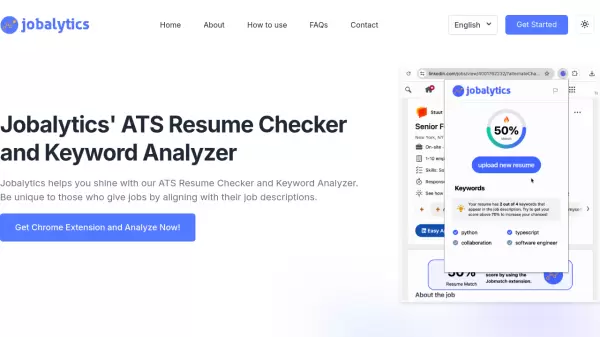
- AI Analyzer: Scan and analyze resumes against job descriptions to identify missing skills and areas for improvement.
- Chrome Extension: Streamline the resume analysis and updating process directly within the browser.
- Cover Letter Generation: create cover letters.
Use Cases
- Creating an ATS-friendly resume from scratch.
- Optimizing an existing resume for a specific job posting.
- Identifying skill gaps between a resume and a job description.
- Quickly updating a resume while browsing job boards (using the Chrome extension).
- Generating a cover letter.
FAQs
-
Applying for jobs and no callbacks. Why it is happening?
Many reasons are possible:▪ ATS cannot parse your resume correctly▪ Your resume may be missing qualifications▪ Some job postings could be fake▪ Your resume might be ranked low by ATS▪ High competition for the position▪ Your resume and cover letter might not be tailored to the specific job▪ Your application may not meet all the requirements listed in the job posting -
Do I need to register an account in order to create my resume?
No, you don`t need to register an account to build an ATS-friendly resume at BuildMyResume.co. However, to analyze your resume for missing skills for a specific job posting, you`ll need to register an account. -
How can I make sure that my new resume will be effective?
Unfortunately, nobody can be sure if your new resume will be effective. However, we have a list of recommendations, and our AI algorithm can predict how effective your resume is for a specific job posting and suggest improvements to make it more effective. -
How much does it cost?
It is FREE to build your ATS-friendly resume at BuildMyResume.co. We also provide you with FREE trial attempts to try out the application and our Google Chrome extension. However, we need resources to run our complex AI engine. We also understand that it`s a challenging time for you, and our prices are lower than what other companies offer. You can always find up-to-date pricing on the page here -
Why do I need a browser extension?
We built a browser extension to simplify the job analysis and resume updating process. With the extension, you don`t need to switch between browser tabs to make all necessary changes and download an updated resume. It`s much easier. Try it out, download Google Chrome extension here.