What is Brian Apps?
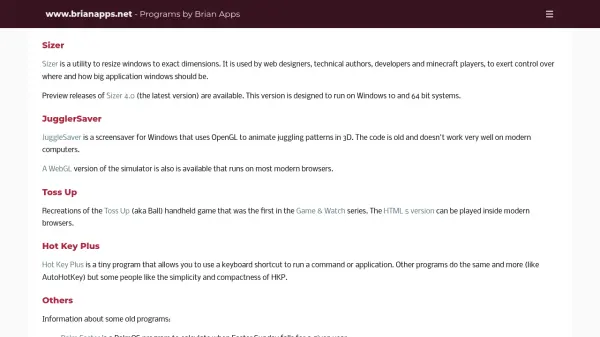
Brian Apps provides a suite of utility programs designed for Windows and modern web browsers. The flagship tool, Sizer, enables users to resize application windows to exact dimensions, catering to professionals like web designers, developers, and technical authors who require precise control over window placement and size. Sizer 4.0 is the latest version, optimized for Windows 10 and 64-bit systems, with preview releases available for testing.
Other offerings include JuggleSaver, a screensaver that uses OpenGL to animate 3D juggling patterns, though it may have compatibility issues on newer computers. A WebGL version of the juggling simulator is accessible in most modern browsers. Additional tools like Toss Up recreate classic handheld games in HTML5, and Hot Key Plus provides a simple keyboard shortcut utility for running commands or applications. The collection also includes legacy programs for PalmOS and Windows, such as utilities for calculating Easter dates or activating screensavers.
Features
- Sizer: Resizes windows to exact dimensions for precise control
- JuggleSaver: Animates juggling patterns in 3D using OpenGL
- WebGL Juggler: Runs juggling simulations in modern browsers
- Toss Up: Recreates classic handheld games in HTML5 for browsers
- Hot Key Plus: Uses keyboard shortcuts to run commands or applications
Use Cases
- Resizing application windows for web design and development
- Animating 3D juggling patterns as a screensaver
- Playing classic handheld games in a web browser
- Running commands or applications with keyboard shortcuts
- Calculating dates like Easter Sunday for planning purposes