Bluright favicon

Bluright
The Best Online Image Editor

What is Bluright?

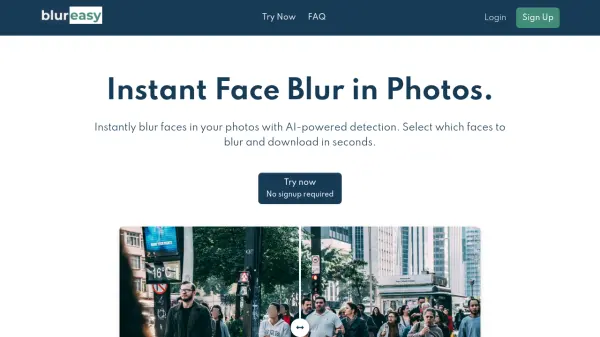
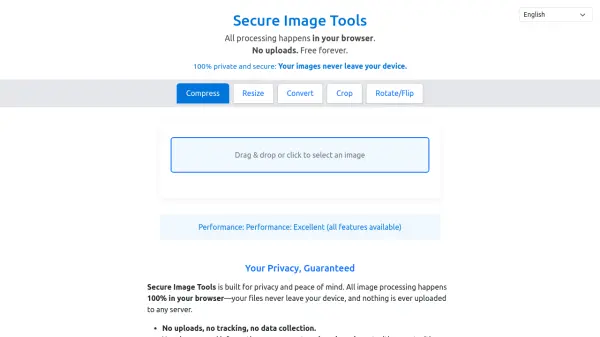
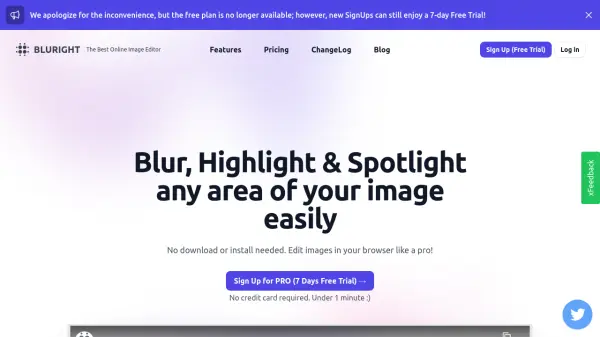
Bluright is a web-based image editing platform that enables users to apply various effects to specific regions of their images. The tool operates entirely within the browser, with all processing done locally on the user's device, ensuring that no images are uploaded to external servers. This approach provides both privacy and convenience for users who need quick image edits without installing software.

The platform offers a comprehensive suite of editing tools including selection tools, brush and pencil tools for freehand effects, shape drawing capabilities, text addition with customizable fonts and colors, and face detection for automatic selection. Users can apply effects such as blur, spotlight, highlight, pixelation, negative conversion, region flipping, duotone filtering, and zoom/magnification to enhance their images efficiently.

Features

  • Face Detection Pro: Automatically detects and selects faces in images for quick editing
  • Multiple Effects: Offers blur, spotlight, highlight, pixelation, negative conversion, and duotone effects
  • Local Processing: All image editing work is done in the browser without uploading to servers
  • Advanced Tools: Includes brush, pencil, arrow, shape, and text tools with professional controls
  • Export Options: Save edited images as PNG, JPEG, WEBP, or BMP files

Use Cases

  • Blurring sensitive information in photos before sharing
  • Highlighting important elements in product images for marketing
  • Adding professional effects to social media graphics
  • Creating attention-grabbing visual content for presentations
  • Editing portrait photos with face-specific adjustments

Related Tools:

Blogs:

  • Top 6 AI note-taking tools for 2026: in-person, online, and hybrid use cases

    Top 6 AI note-taking tools for 2026: in-person, online, and hybrid use cases

    Most AI note-taking lists are really lists of meeting bots, which join your video call and transcribe it. That's useful, but it's half the picture. Decisions happen in hallway conversations, client dinners, on-site visits, and hybrid rooms where nobody is on a video link. This guide covers different parts of the note-taking workflow: hardware capture for in-person settings, platform-native tools for online calls, and AI layers for organizing and synthesizing what you've captured. It compares six tools by capture context, workflow fit, pricing, and limitations.

  • Best AI tools for recruiters

    Best AI tools for recruiters

    These tools use advanced algorithms and machine learning to automate tasks such as resume screening, candidate matching, and predictive analytics. By analyzing vast amounts of data quickly and efficiently, AI tools help recruiters make data-driven decisions, save time, and identify the best candidates for open positions.

  • Long Videos into Viral Shorts

    Long Videos into Viral Shorts

    Klap.app is an AI-powered video editing tool that transforms long-form videos into engaging short clips optimized for platforms like TikTok, Instagram Reels, and YouTube Shorts

  • Best text to speech AI tools

    Best text to speech AI tools

    Text-to-speech (TTS) AI tools are designed to convert written or text-based content into natural-sounding spoken audio. These tools utilize various deep learning and neural network architectures to generate human-like speech from textual input.

Didn't find tool you were looking for?

Be as detailed as possible for better results