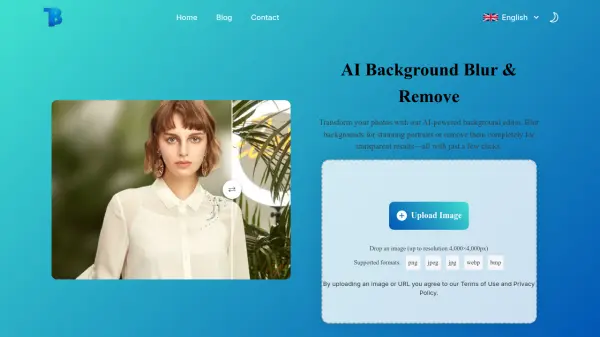
What is BlurBackground.ai?
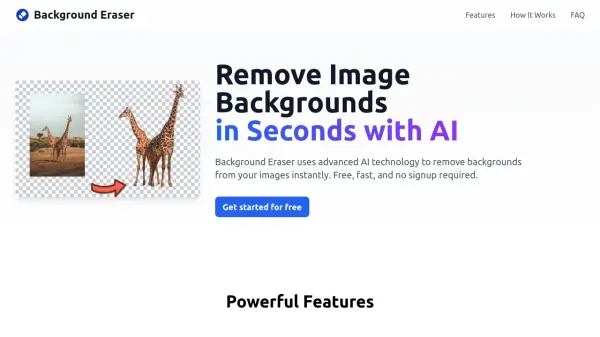
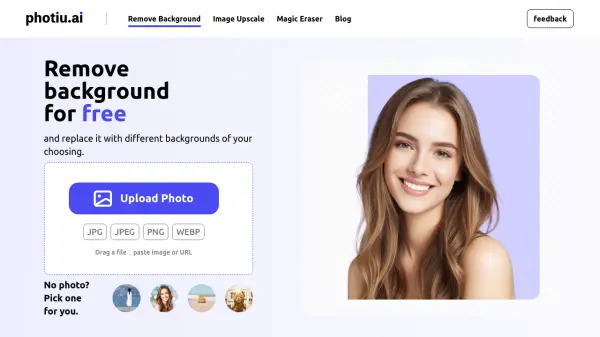
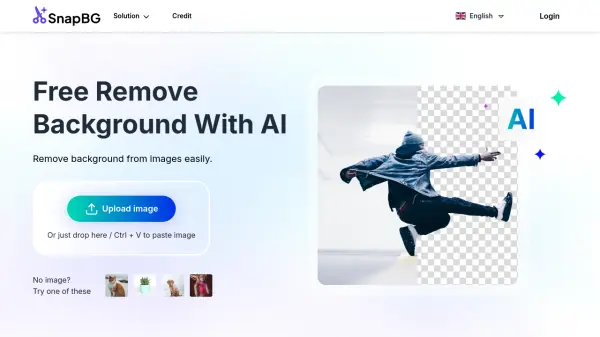
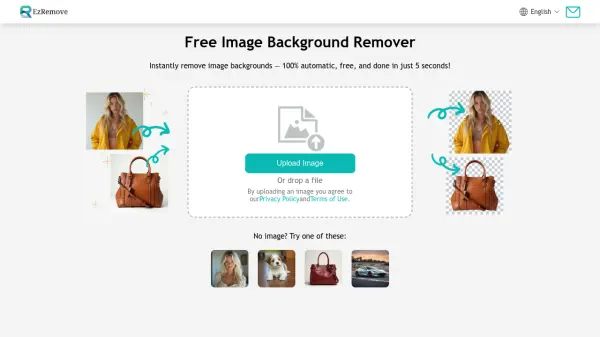
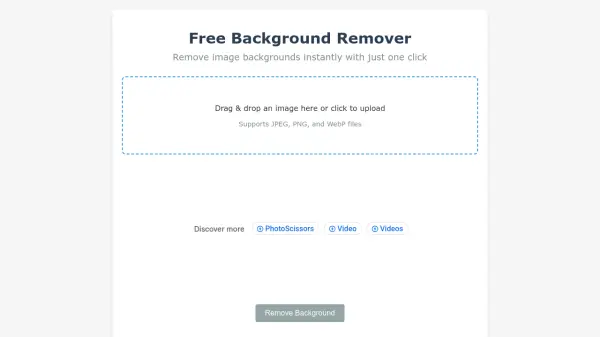
BlurBackground.ai provides advanced AI-driven background editing capabilities, accessible entirely online without registration or advertisements. It utilizes sophisticated technology to automatically detect and isolate subjects from their backgrounds with high precision. Users can choose to apply a customizable blur effect to the background or remove it entirely to create a transparent background.
The tool is designed to maintain the original image quality throughout the editing process, ensuring clear subjects whether the background is blurred or removed. It supports common image formats like PNG, JPG, JPEG, and WEBP, delivering high-resolution results suitable for various applications, including portraits, product photography, and content creation. User privacy is prioritized, with images processed securely and not stored post-editing.
Features
- AI Background Detection: Instantly detects and separates subjects from backgrounds accurately.
- Adjustable Background Blur: Apply customizable blur intensity for depth-of-field effects.
- Background Removal: Completely remove backgrounds to create transparency.
- Multiple Background Options: Choose transparent, white, black, or custom blurred backgrounds.
- High-Quality Processing: Preserves original image quality during editing.
- No Sign-up Required: Use the tool instantly without registration.
- 100% Free: Fully free service with no hidden costs or ads.
- Privacy Focused: Secure processing; images are not stored.
- Format Support: Works with PNG, JPG, JPEG, and WEBP images.
Use Cases
- Creating professional portrait photos with blurred backgrounds.
- Editing product photography for e-commerce with transparent or clean backgrounds.
- Enhancing images for content creation (social media, blogs).
- Producing professional headshots with clean backgrounds.
- Adding bokeh effects to images.
FAQs
-
Is the AI Blur Background tool completely free to use?
Yes! Our AI-powered background blur tool is 100% free, with no hidden fees or sign-up required. -
Do I need to install any software to use this tool?
No, our background blur tool is entirely online. You can use it directly from your browser without any downloads or installations. -
How does the AI detect and blur the background?
Our AI automatically identifies the subject in your image and applies a smooth blur effect to the background, creating a professional depth-of-field effect. -
What types of images work best with this tool?
Our AI blur tool works best with portraits, product images, and social media visuals. It can accurately detect subjects in most images. -
Do you protect my privacy?
Yes, of course, we protect the privacy of all our users and we will not divulge your images or use your uploaded images for any purpose!