

What is SnapBG.ai?
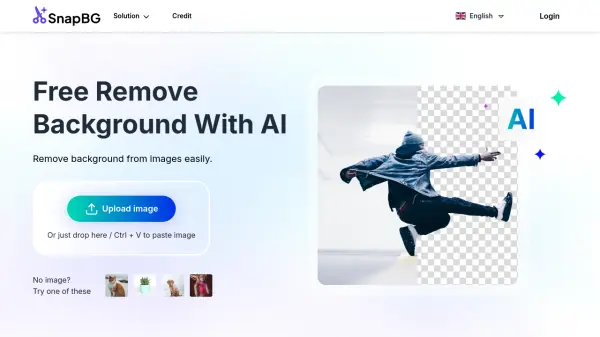
SnapBG.ai is an online tool that leverages advanced AI to automatically detect and remove backgrounds from images. It supports common image formats like PNG and JPG, ensuring high-quality results without distortion.
The tool goes beyond simple background removal, offering features for manual refinement. If the AI doesn't achieve a perfect cutout, users can manually edit using a brush tool to remove or restore parts of the background. SnapBG.ai also allows users to make image backgrounds transparent or replace them with a different color, along with a library of over 100 templates.
Features
- Automatic Background Removal: Advanced AI detects and removes backgrounds in seconds.
- Manual Refinement: Edit the cutout manually with brush tools for precision.
- Transparent Background: Make image backgrounds transparent efficiently.
- Background Templates: Access 100+ templates to replace erased backgrounds.
- HD Quality: Retains the original image quality after processing.
Use Cases
- Creating product catalogs
- Designing stunning banners
- Making visual presentations
- Generating graphics
- Creating art
FAQs
-
Does SnapBG provide the tools for editing photo backgrounds?
Yes -
Can SnapBG make a transparent background?
Yes -
Can I delete the background image on iPhone / iOS devices?
Yes -
Can Android devices use this tool to erase background?
Yes -
Is this a free background remover tool?
Yes