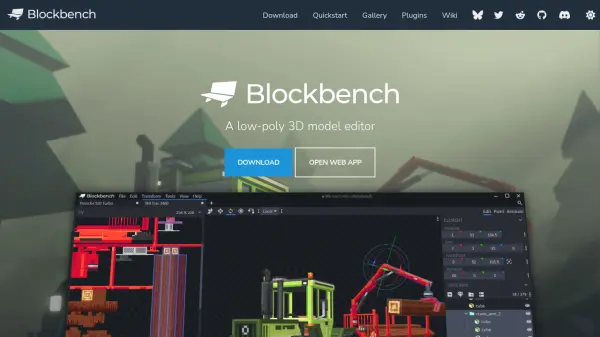
What is Blockbench?
Blockbench is a free, open-source 3D modeling editor tailored for the easy creation of low-poly models. Whether crafting simplistic cuboid shapes reminiscent of Minecraft or designing intricate mesh forms, Blockbench provides a comprehensive suite of modeling tools suitable for beginners and professionals alike. Its integrated texturing feature allows users to paint directly in 3D or 2D, manage palettes, and seamlessly generate UV maps and templates for immediate use.
The platform also boasts a robust animation editor supporting rigging, keyframe manipulation, and fine-tuning via a graph editor. Blockbench's functionality can be further expanded through a diverse library of plugins, enabling new export options, additional tools, and customization to fit specific workflow needs. As an open-source solution licensed under GPL, it is completely free for all types of projects.
Features
- Low-Poly Modeling: Offers both cuboid and mesh modeling tools for simple and complex shapes.
- Integrated Texturing: Allows in-app texture creation, palette management, and direct painting on 3D models.
- Animation Editor: Includes rigging, position, rotation, scale keyframing, and a graph editor for precise animation.
- Plugin Support: Expandable through a built-in plugin store with options to add tools and export formats.
- Open Source: Free under the GPL license for personal and commercial use.
Use Cases
- Designing Minecraft-style game assets.
- Developing custom low-poly characters for video games.
- Animating 3D models for educational projects.
- Creating textured 3D objects for digital art portfolios.
- Exporting models with custom plugins for various platforms.
FAQs
-
Is Blockbench free to use?
Yes, Blockbench is completely free and open source under the GPL license. -
Can I create animations directly in Blockbench?
Yes, Blockbench includes a powerful animation editor for rigging and creating animations with keyframes and graph editing. -
How can I extend Blockbench’s functionality?
You can use or develop plugins available through the built-in plugin store to add new tools or support additional formats. -
What file formats does Blockbench support?
Blockbench's file format support can be extended via plugins, giving it flexibility for different export needs. -
Is Blockbench suitable for professional projects?
Yes, Blockbench is used by various studios and is suitable for professional as well as hobby projects.