What is BKards?
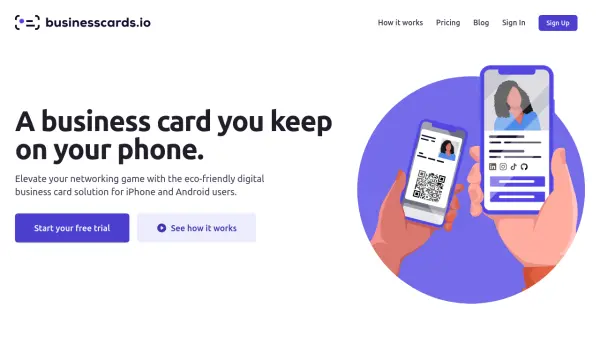
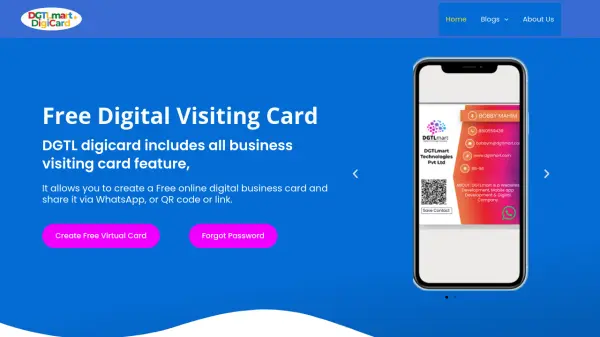
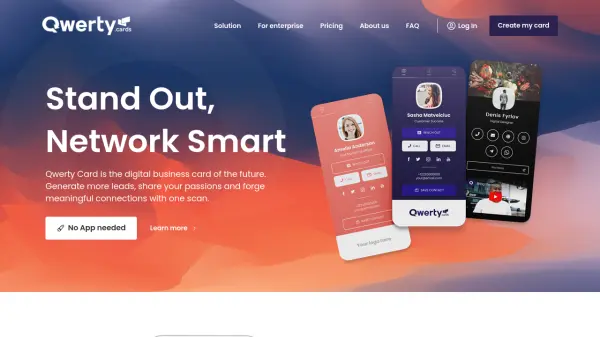
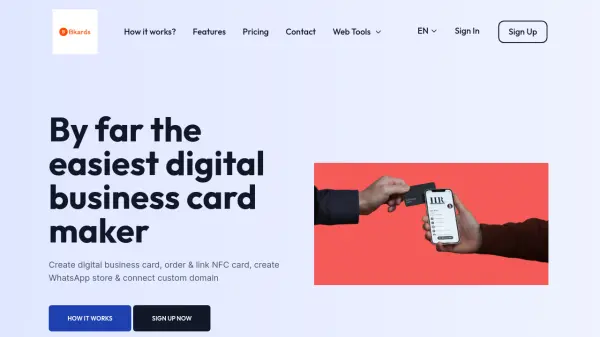
BKards provides a user-friendly solution for creating digital business cards and WhatsApp stores to enhance professional networking and customer engagement. The platform allows users to design personalized digital cards with various features including photo galleries, services listings, contact information, and social media integration.
Users can share their digital business cards through multiple channels such as email, social media, WhatsApp, QR codes, or NFC cards. The platform supports over 20 languages with built-in translation and offers more than 100 colorful, profession-based themes. Additional features include password protection, Google Maps integration, YouTube/Vimeo video links, and progressive web app functionality for offline access.
Features
- WhatsApp Enabled: Enable and disable WhatsApp chat feature in digital business cards
- Photo Gallery: Upload product photos or business-related images in gallery section
- Services Section: List all services with images and detailed descriptions
- Payment Details: Display acceptable payment methods and collect online/offline payments
- Business Hours: Show opening and closing hours for customer convenience
- Video Integration: Embed YouTube or Vimeo videos to showcase offerings
- Google Maps Integration: Display business location on interactive maps
- Social Media Links: Consolidate all social media presence in one digital card
- Multi-Language Support: Over 20 languages with built-in translation capabilities
- QR Code & Password Protection: Secure sharing through QR codes with optional password protection
Use Cases
- Creating professional digital business cards for networking events
- Setting up WhatsApp stores for small businesses and entrepreneurs
- Sharing contact information through QR codes at conferences
- Displaying business services and products to potential clients
- Integrating multiple contact methods into a single digital card
- Creating password-protected business cards for sensitive information
- Building customer trust through testimonial sections
- Providing offline access to business information via progressive web app