What is Axialis?
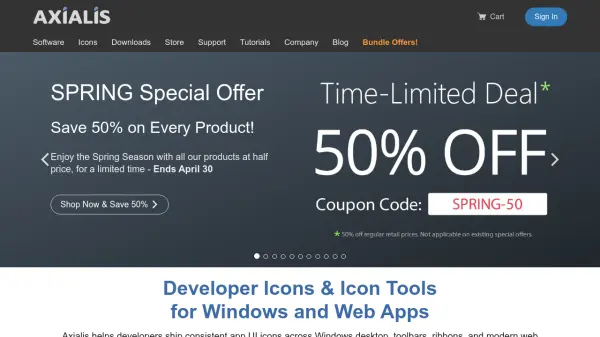
Axialis offers a comprehensive suite of icon creation tools and pre-designed icon sets specifically tailored for software developers and UI designers. The platform includes Axialis IconVectors, a vector icon editor with AI automation via MCP, and Axialis IconGenerator, a production tool that generates vector and bitmap icons from a database of professional icon sets.
Developers can create pixel-perfect icons optimized for various platforms, including Windows desktop applications, web interfaces, and mobile apps. The tools support multiple export formats such as SVG, XAML, ReactTS, VueTS, C++, VectorDrawable, SwiftUI, PNG, ICO, and ICNS, ensuring compatibility with different development frameworks and environments.
Features
- Axialis IconVectors: Vector icon editor with AI automation via MCP for pixel-perfect icon creation
- Axialis IconGenerator: Production tool that generates vector and bitmap icons from professional icon sets in seconds
- Multiple Export Formats: Support for SVG, XAML, ReactTS, VueTS, C++, VectorDrawable, SwiftUI, PNG, ICO, and ICNS
- Icon Customization: Recolor icons, apply overlays for states/actions, and export in multiple sizes
- Professional Icon Sets: Curated collections like Fluent System, Office Pro, Universal Pro with thousands of icons
Use Cases
- Creating consistent UI icons for Windows desktop applications
- Designing icons for web application interfaces and toolbars
- Developing icons for mobile apps across different platforms
- Generating icons for software ribbons and menus
- Customizing icon sets for specific branding requirements
FAQs
-
What file formats do Axialis icons support?
Axialis icons are available as vector formats (SVG, XAML, PDF, EPS, PS, web fonts) and bitmap formats (PNG, BMP, JPG). For desktop applications, Windows ICO and macOS ICNS formats are also provided. -
Can I customize icons to fit my app UI?
Yes, you can use IconGenerator to recolor icons, apply overlays for states and actions, and export the same icon in multiple sizes and formats. For more advanced edits, the IconVectors editor is available. -
Do you provide free icons to try?
Yes, free sample packs are offered for each icon family, such as Fluent System icons, Office Pro icons, and Universal Pro icons. -
Are Axialis icons suitable for ribbons, toolbars and menus?
Absolutely. The vector icons are designed specifically for ribbons, toolbars, and menus, with pixel-perfect alignment to common grid sizes like 16×16, 24×24, and 32×32 to ensure crisp rendering.