What is AutoSubGen?
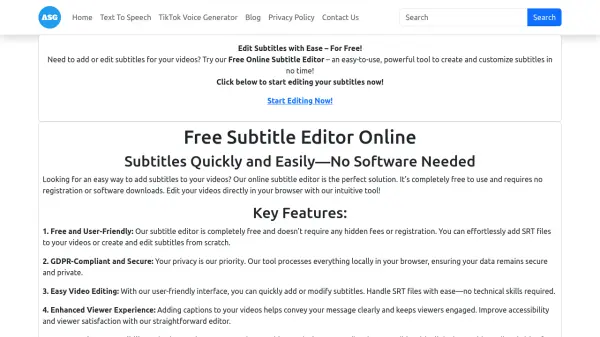
AutoSubGen offers a convenient solution for adding subtitles to videos through its free online subtitle editor. This tool operates entirely within a web browser, eliminating the need for software downloads or user registration. Users can easily upload existing SRT files for modification or create new subtitles from scratch using an intuitive interface.
The platform prioritizes user privacy and security, ensuring GDPR compliance by processing all data locally within the user's browser. It supports various video formats like MP4 and is compatible across multiple devices, including smartphones, tablets, and desktops. While the core focus described is the manual editor with real-time preview and SRT export, AutoSubGen also offers automatic subtitle generation features for added convenience, aiming to improve video accessibility and viewer engagement efficiently.
Features
- Free Online Subtitle Editor: Create, add, and edit subtitles at no cost.
- No Software Required: Operates entirely within your web browser.
- SRT File Handling: Easily upload, modify, or create SRT subtitle files.
- GDPR-Compliant and Secure: Processes data locally in the browser, ensuring privacy.
- User-Friendly Interface: Simple and intuitive tool for subtitle editing.
- Cross-Device Compatibility: Works on smartphones, tablets, and desktops.
- Real-Time Preview: See subtitle changes instantly within the editor.
- SRT Export: Download finalized subtitles as SRT files.
- Unlimited Usage: No limits on using the free subtitle editor.
- No Registration Needed: Start editing immediately without signing up.
- Automatic Subtitle Generation: Offers automated features for convenience.
Use Cases
- Adding captions to social media videos for platforms like TikTok and YouTube.
- Making educational or training videos more accessible.
- Enhancing marketing and promotional videos for clarity.
- Editing existing SRT files to correct timing or text.
- Creating subtitles for personal video projects quickly.
- Improving video SEO and viewer retention through captions.