Aurora Driver favicon

Aurora Driver
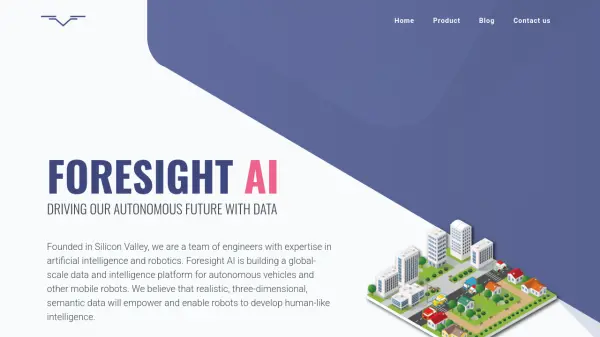
The Future of Autonomous Driving

What is Aurora Driver?

The Aurora Driver is a continuously improving, intelligent autonomous driving system. It is designed to see, understand, and safely traverse the world around it. The system is built for freight and rides, offering a safer and more efficient transportation solution.

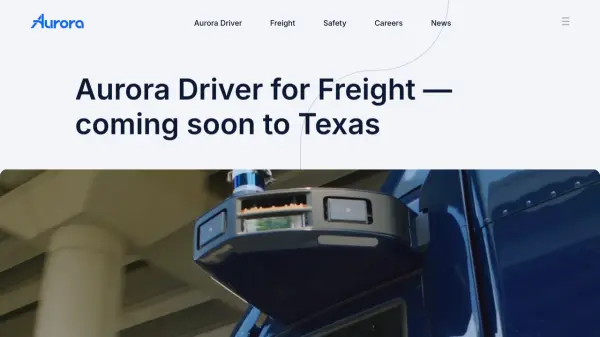
At the heart of Aurora Driver's perception technology is the FirstLight Lidar. This extends visibility to 400 meters down the road which allows for quicker reaction time and safer motion planning even in challenging weather conditions. The system is trained on public roads and through virtual testing.

Features

  • FirstLight Lidar: Extends visibility to 400 meters, allowing for quicker reaction times.
  • Robust Computer System: Enables powerful software to understand complex environments and control the vehicle.
  • High Definition Mapping: Provides deep familiarity with the surrounding world.
  • Continuous Learning: The system gets smarter every day through real-world and virtual testing.

Use Cases

  • Autonomous freight transportation
  • Autonomous ride services
  • Improving road safety
  • Increasing efficiency and mobility of transportation
  • Providing reliable driver supply for logistics

Related Tools:

Blogs:

  • Long Videos into Viral Shorts

    Long Videos into Viral Shorts

    Klap.app is an AI-powered video editing tool that transforms long-form videos into engaging short clips optimized for platforms like TikTok, Instagram Reels, and YouTube Shorts

  • Best AI tools for Product Photography

    Best AI tools for Product Photography

    Explore top AI tools that can elevate your product photography, helping you enhance images, streamline workflows, and create professional visuals with ease.

  • Top 6 AI note-taking tools for 2026: in-person, online, and hybrid use cases

    Top 6 AI note-taking tools for 2026: in-person, online, and hybrid use cases

    Most AI note-taking lists are really lists of meeting bots, which join your video call and transcribe it. That's useful, but it's half the picture. Decisions happen in hallway conversations, client dinners, on-site visits, and hybrid rooms where nobody is on a video link. This guide covers different parts of the note-taking workflow: hardware capture for in-person settings, platform-native tools for online calls, and AI layers for organizing and synthesizing what you've captured. It compares six tools by capture context, workflow fit, pricing, and limitations.

Didn't find tool you were looking for?

Be as detailed as possible for better results